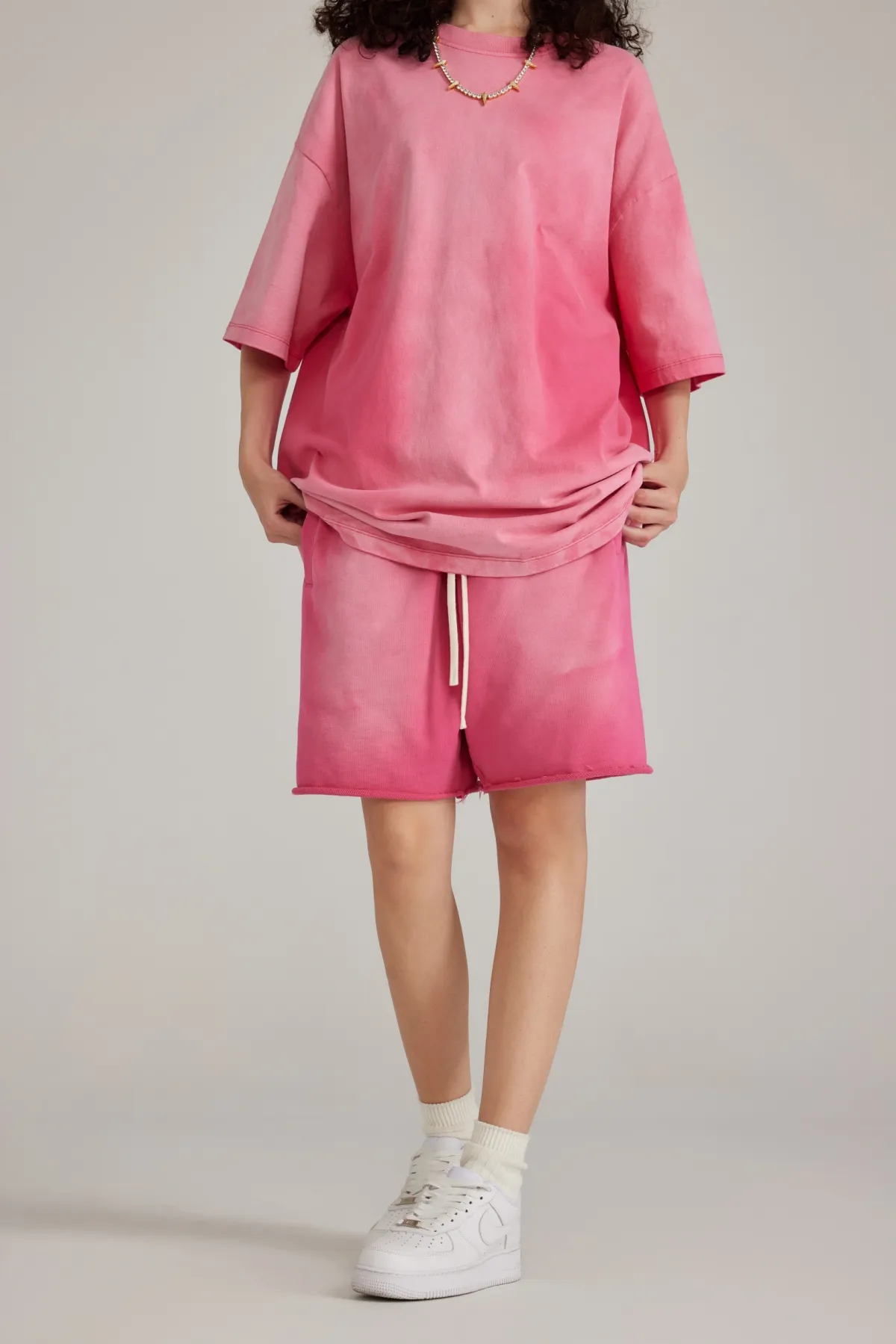
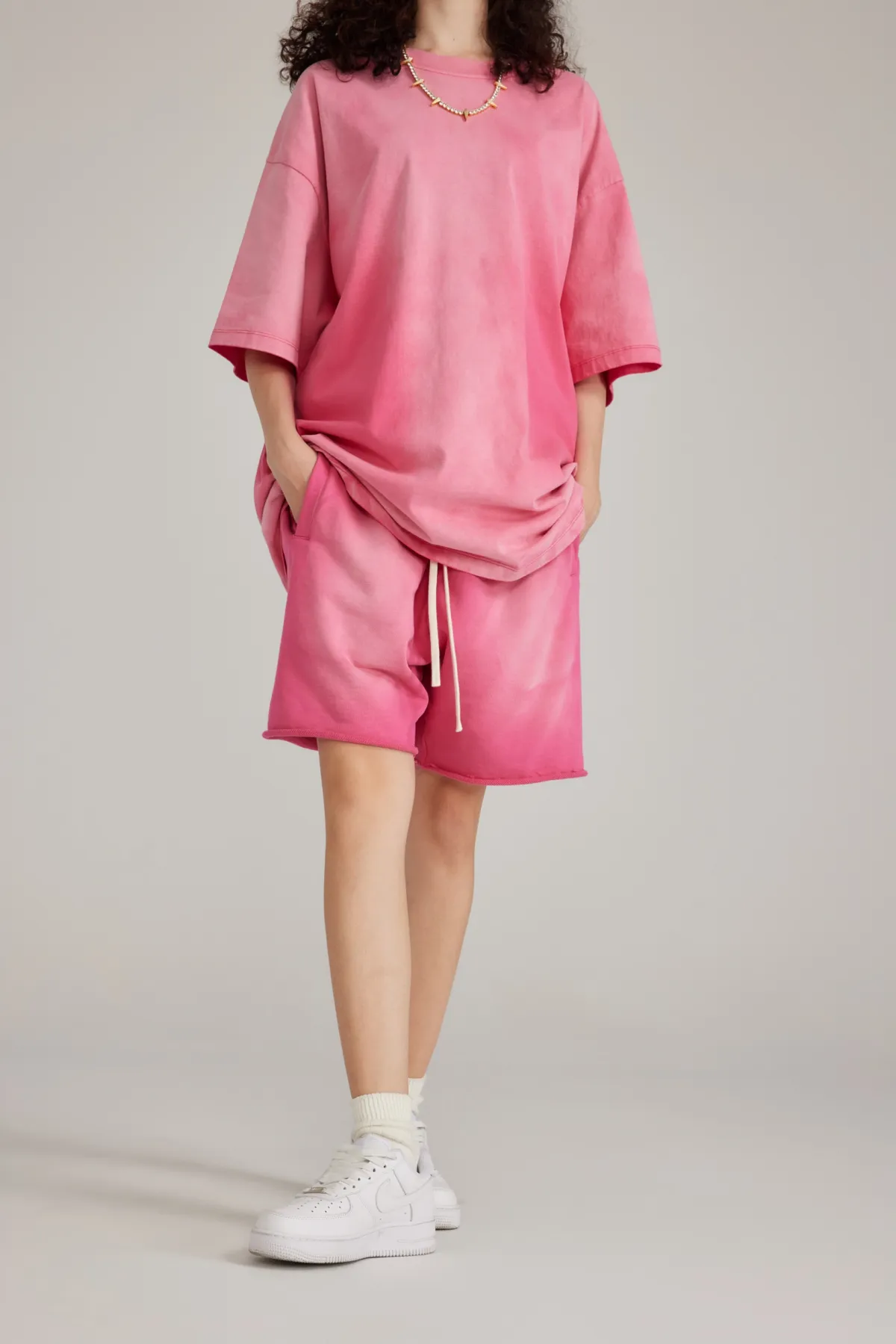
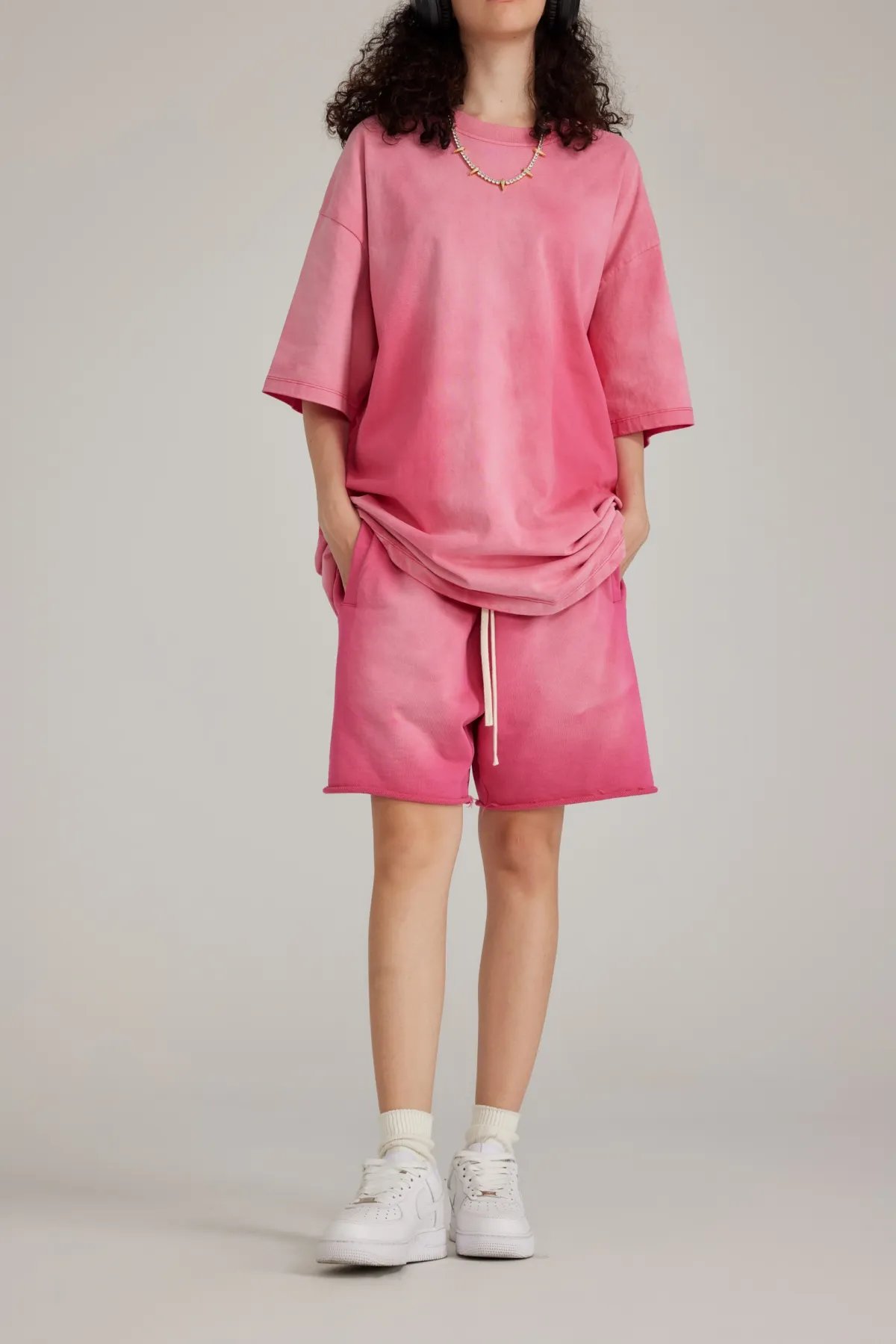
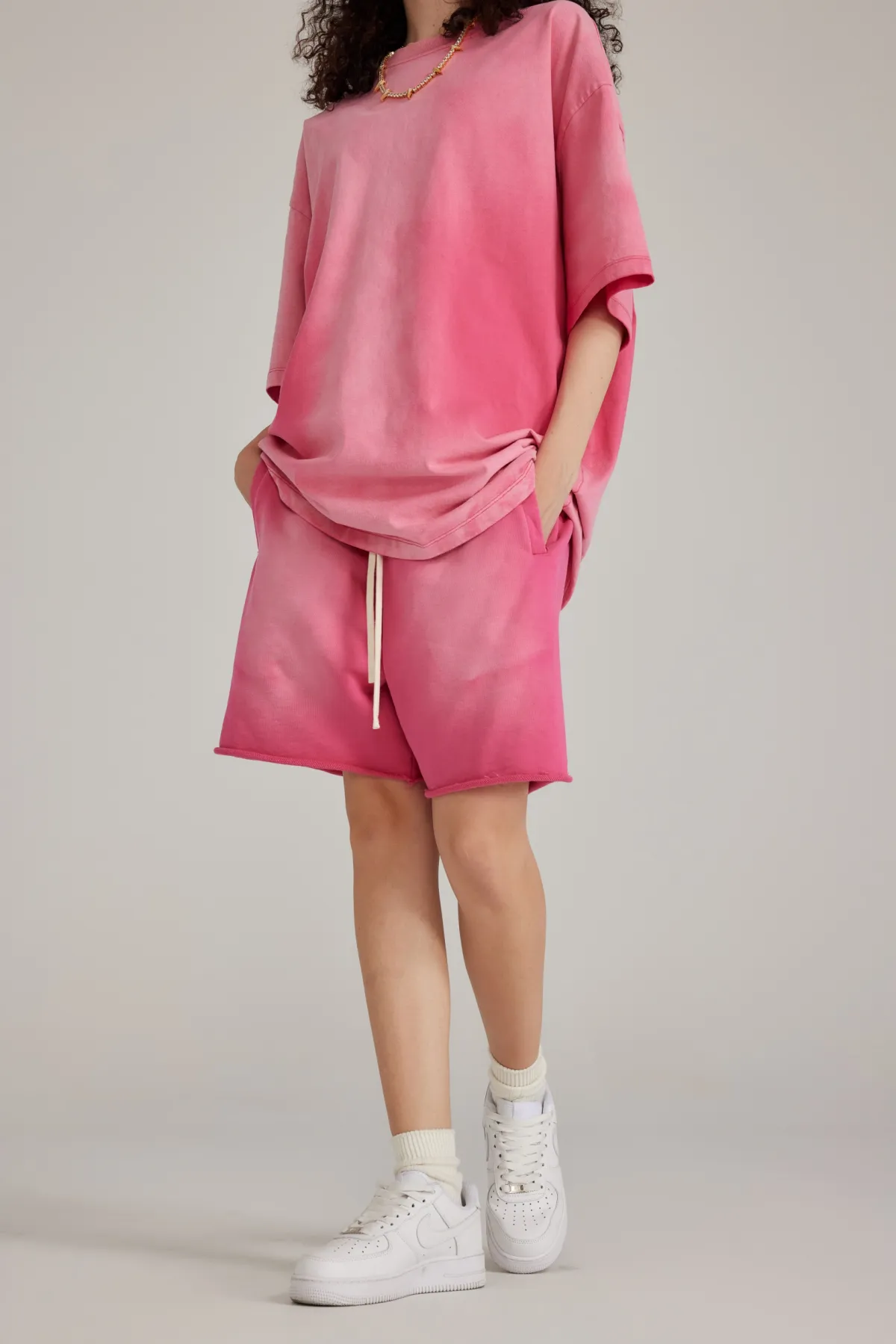
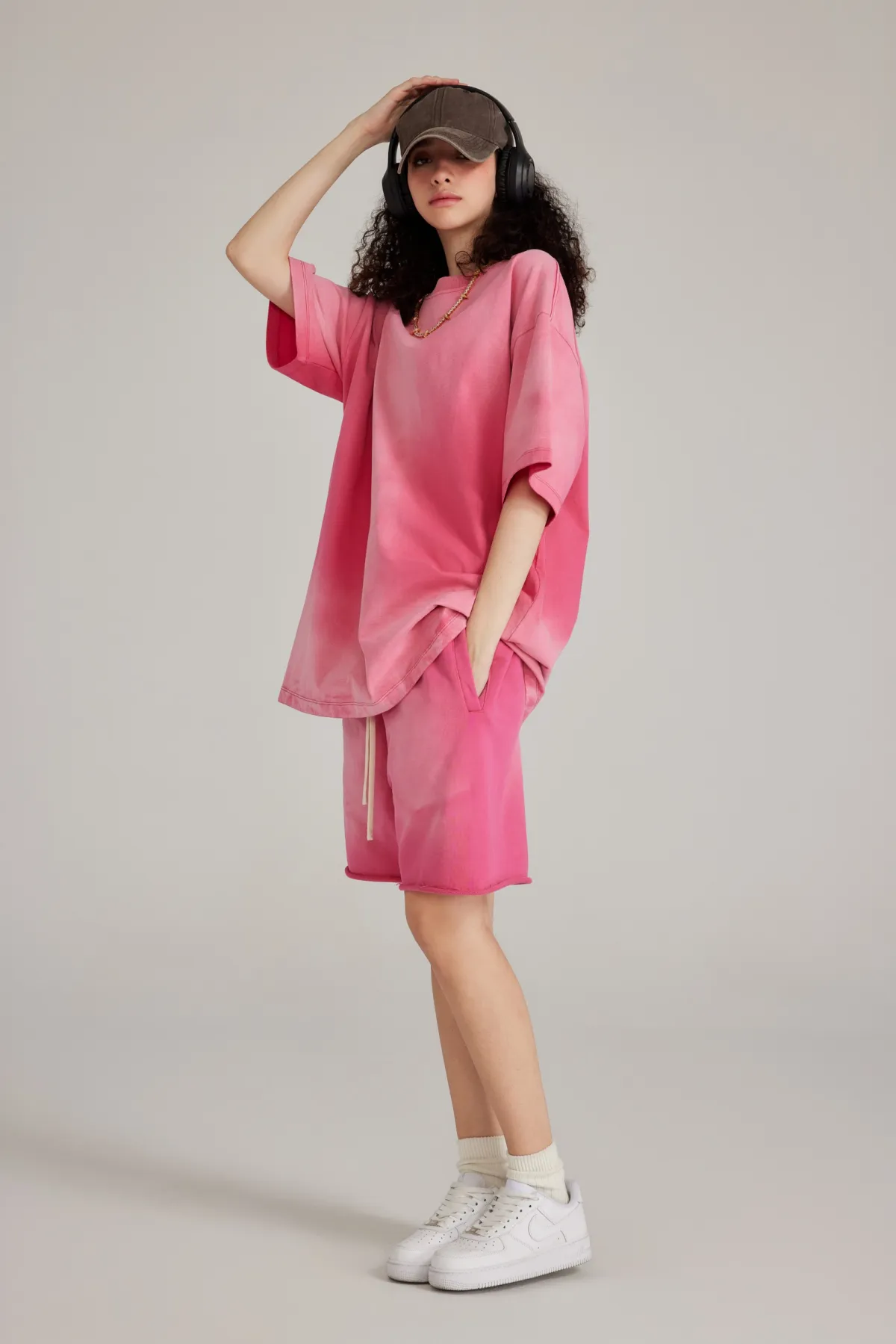
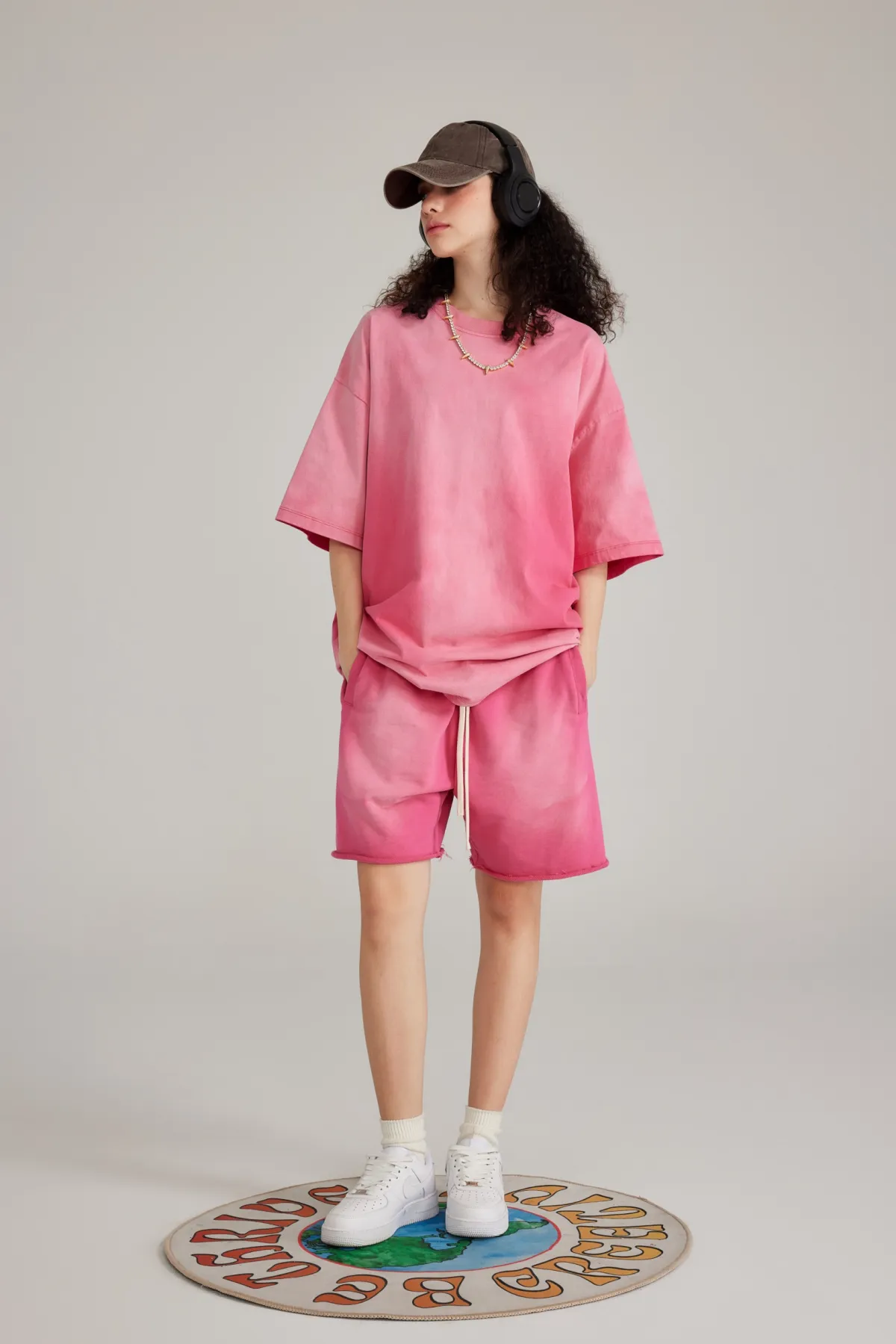
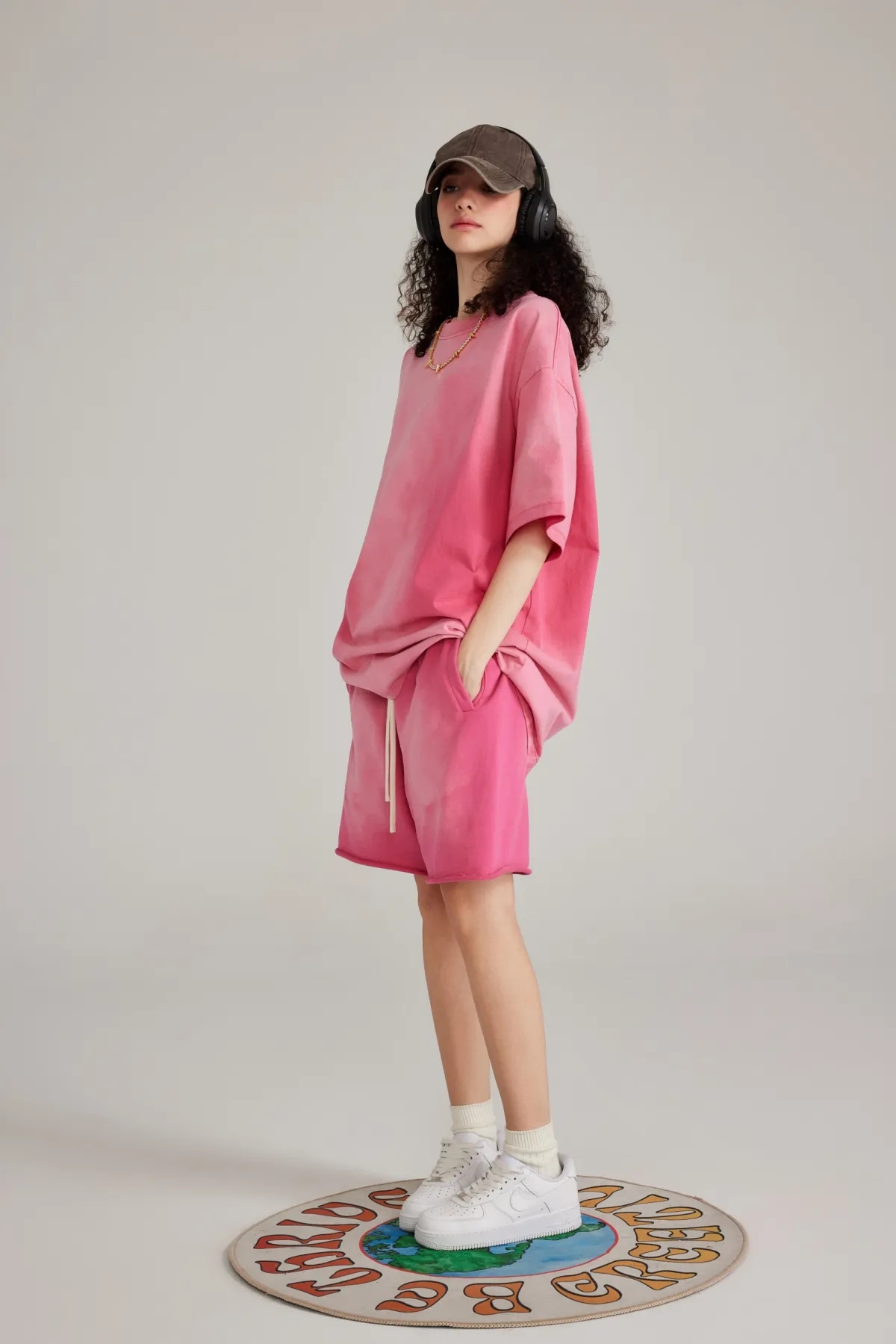
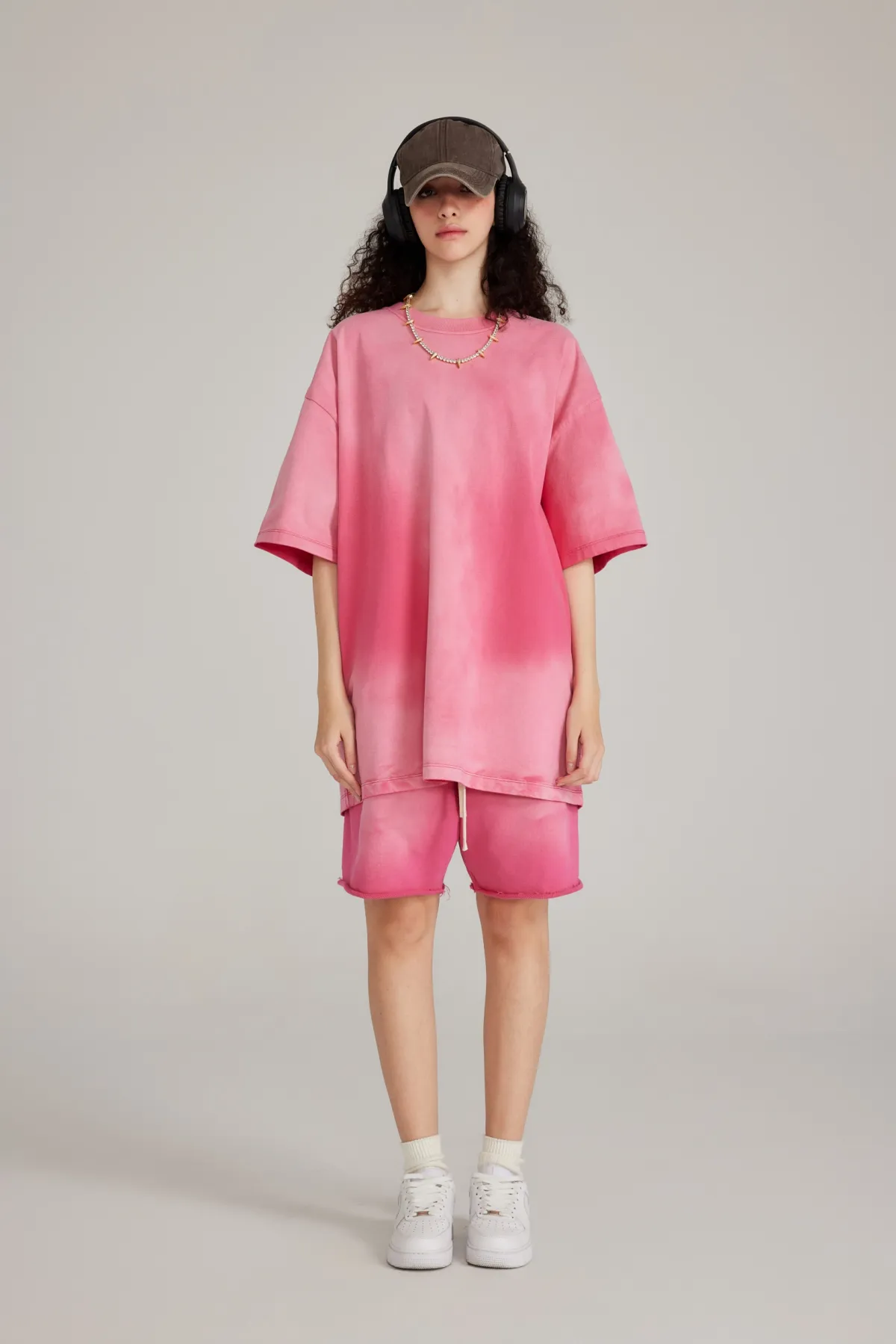
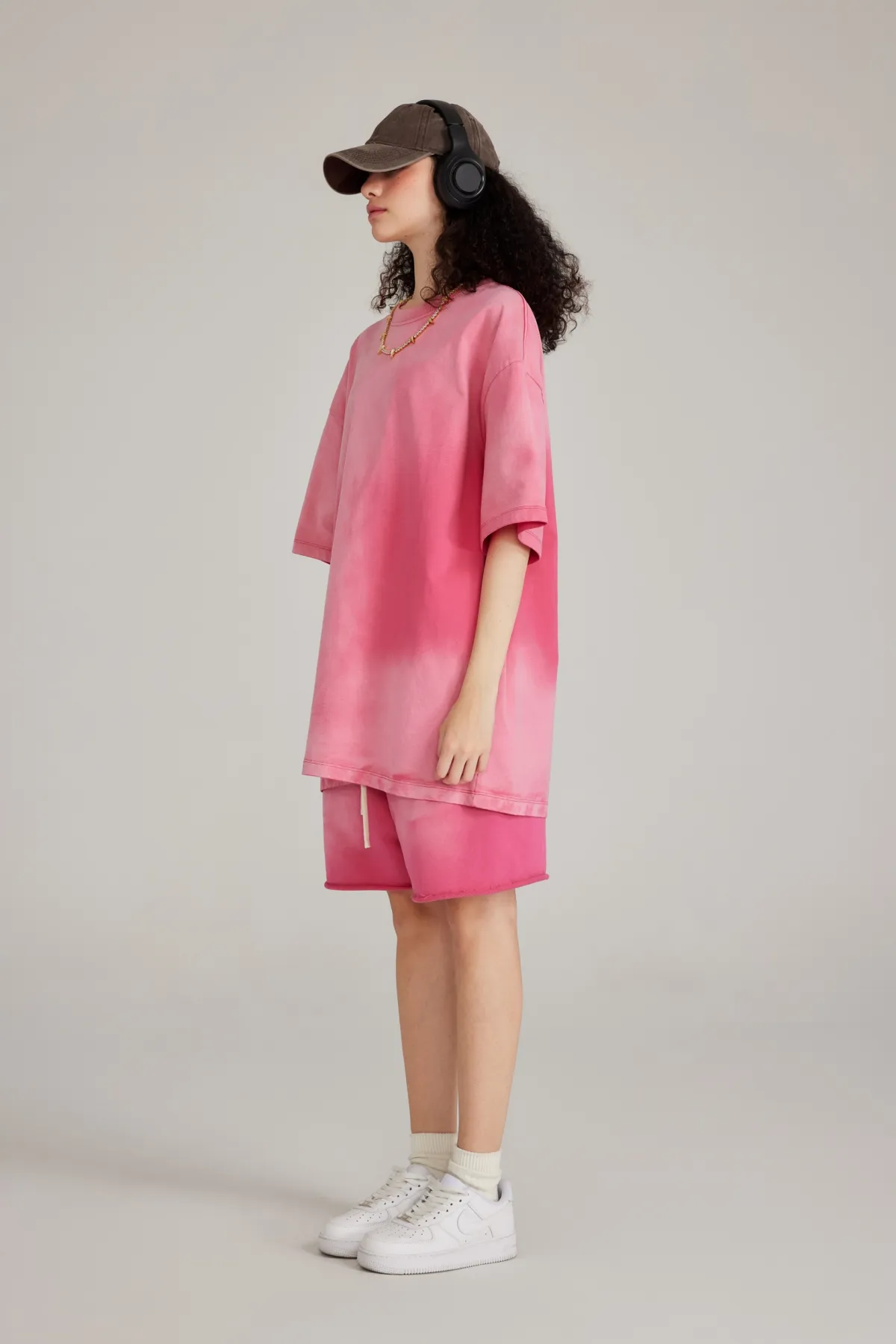
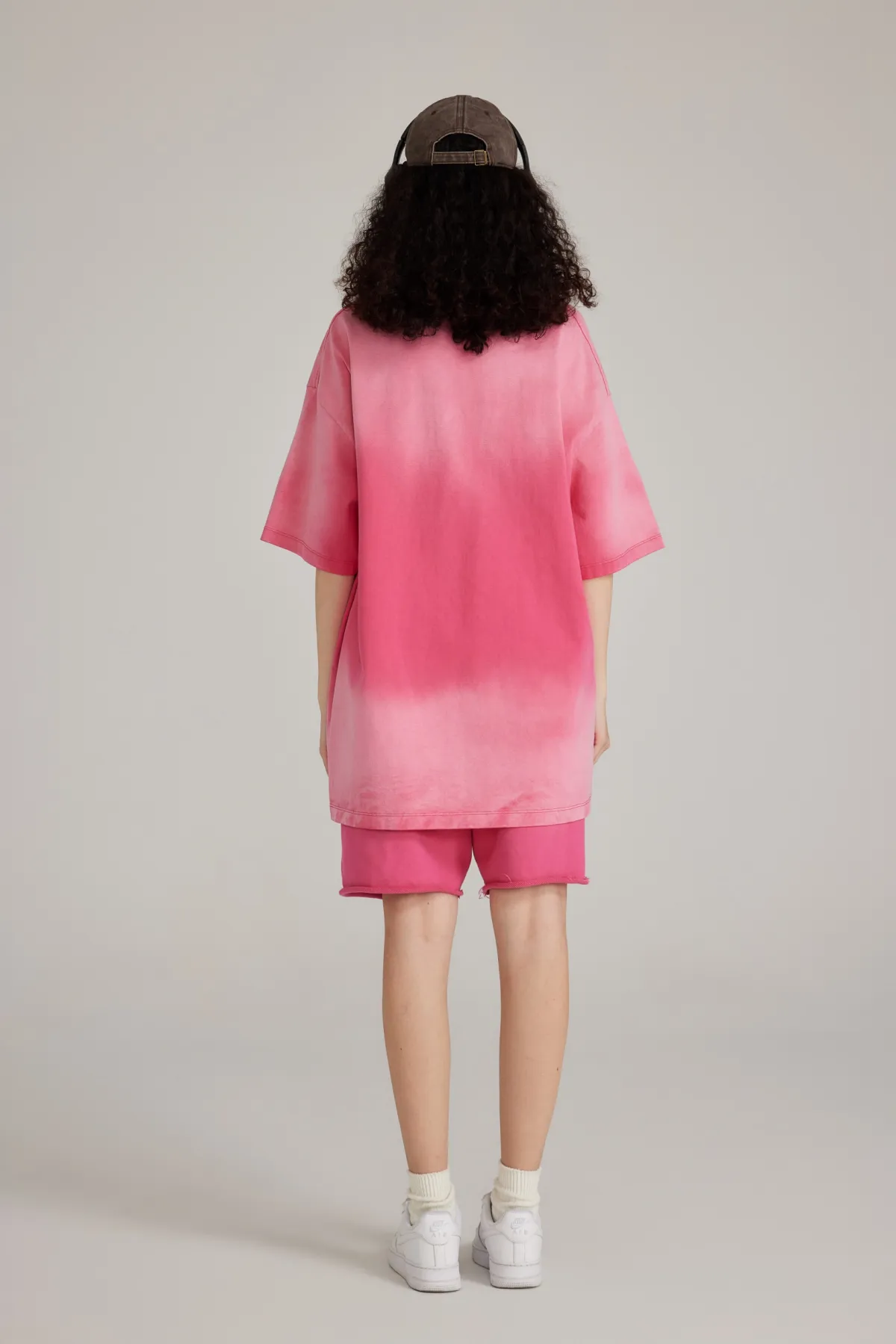
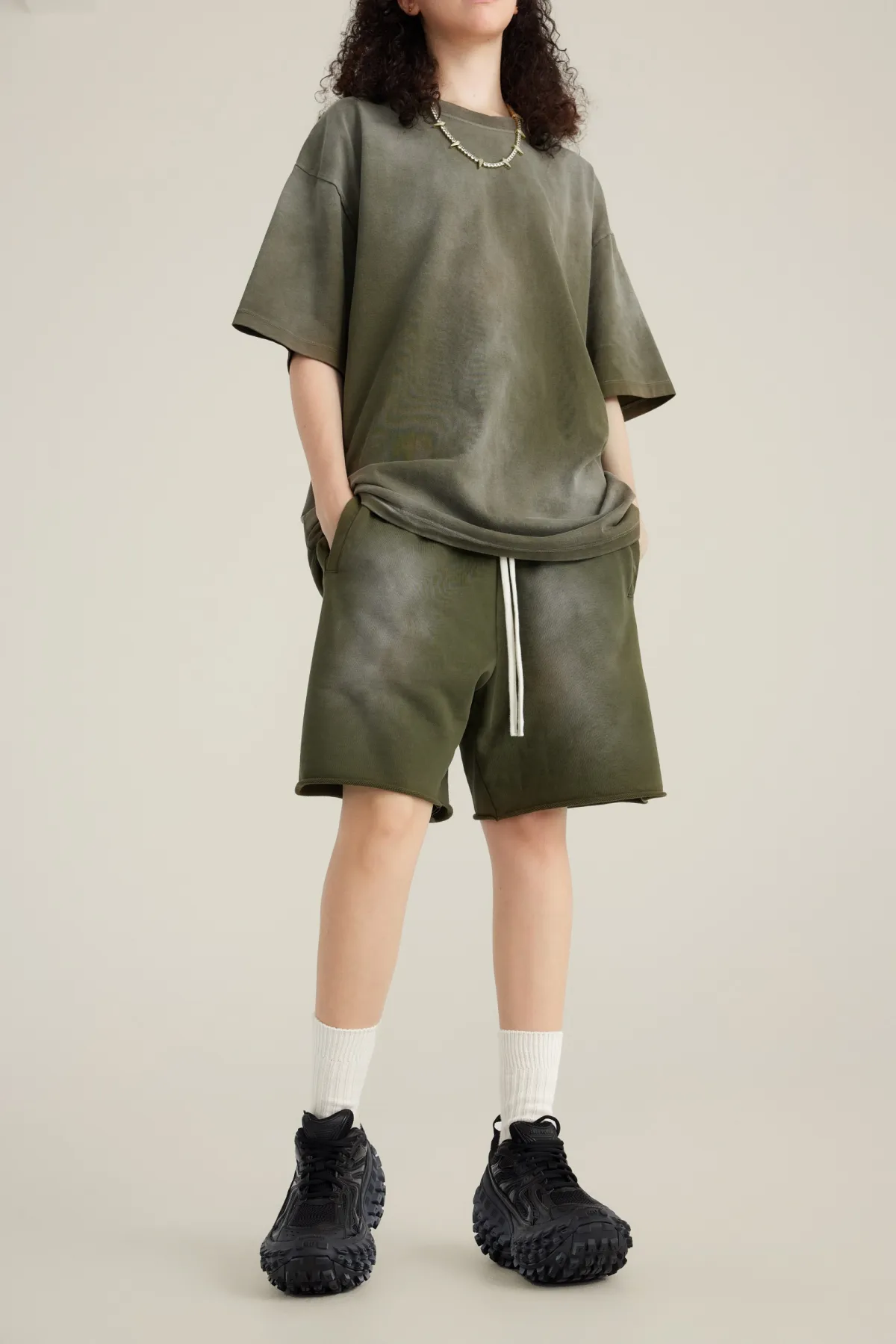
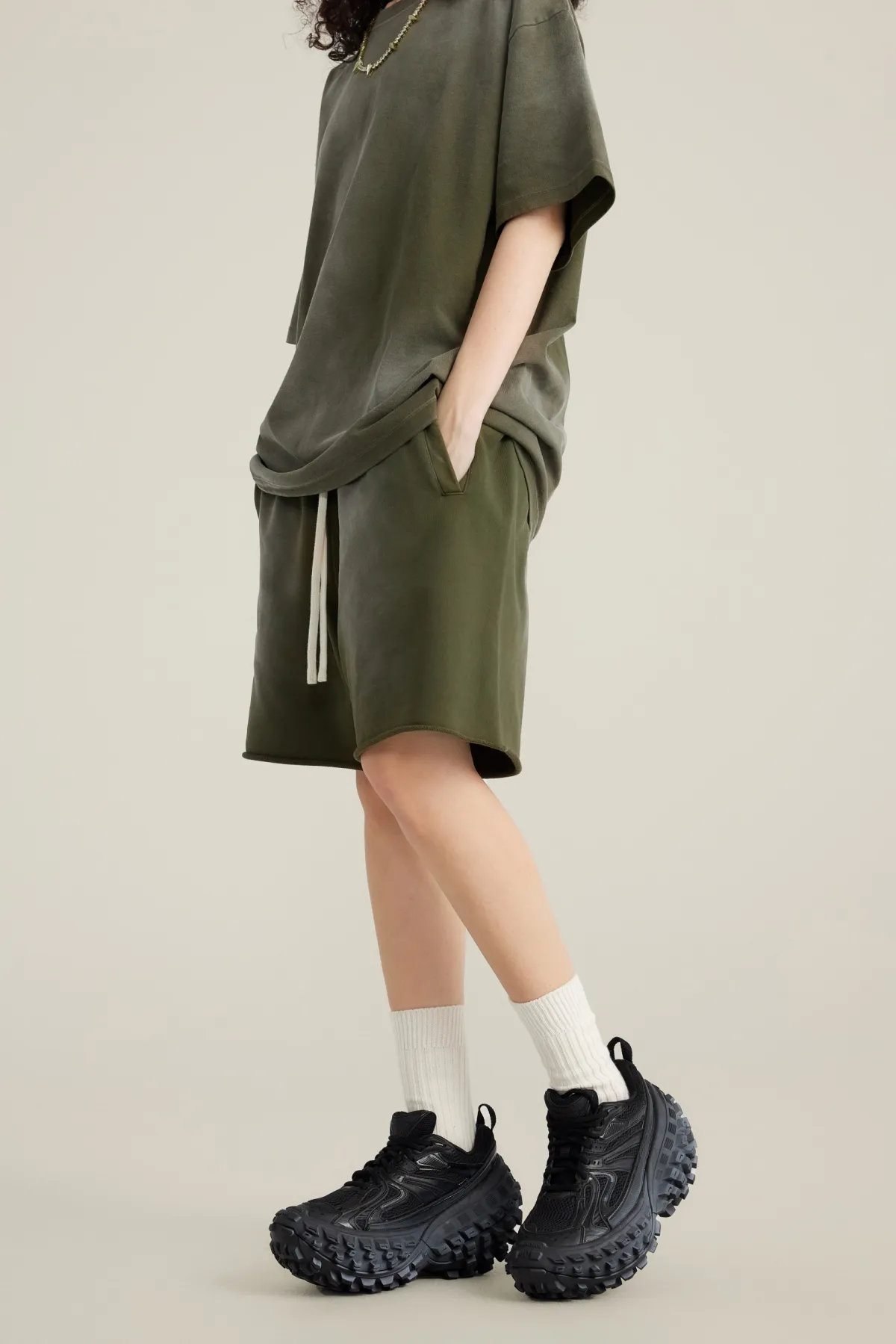
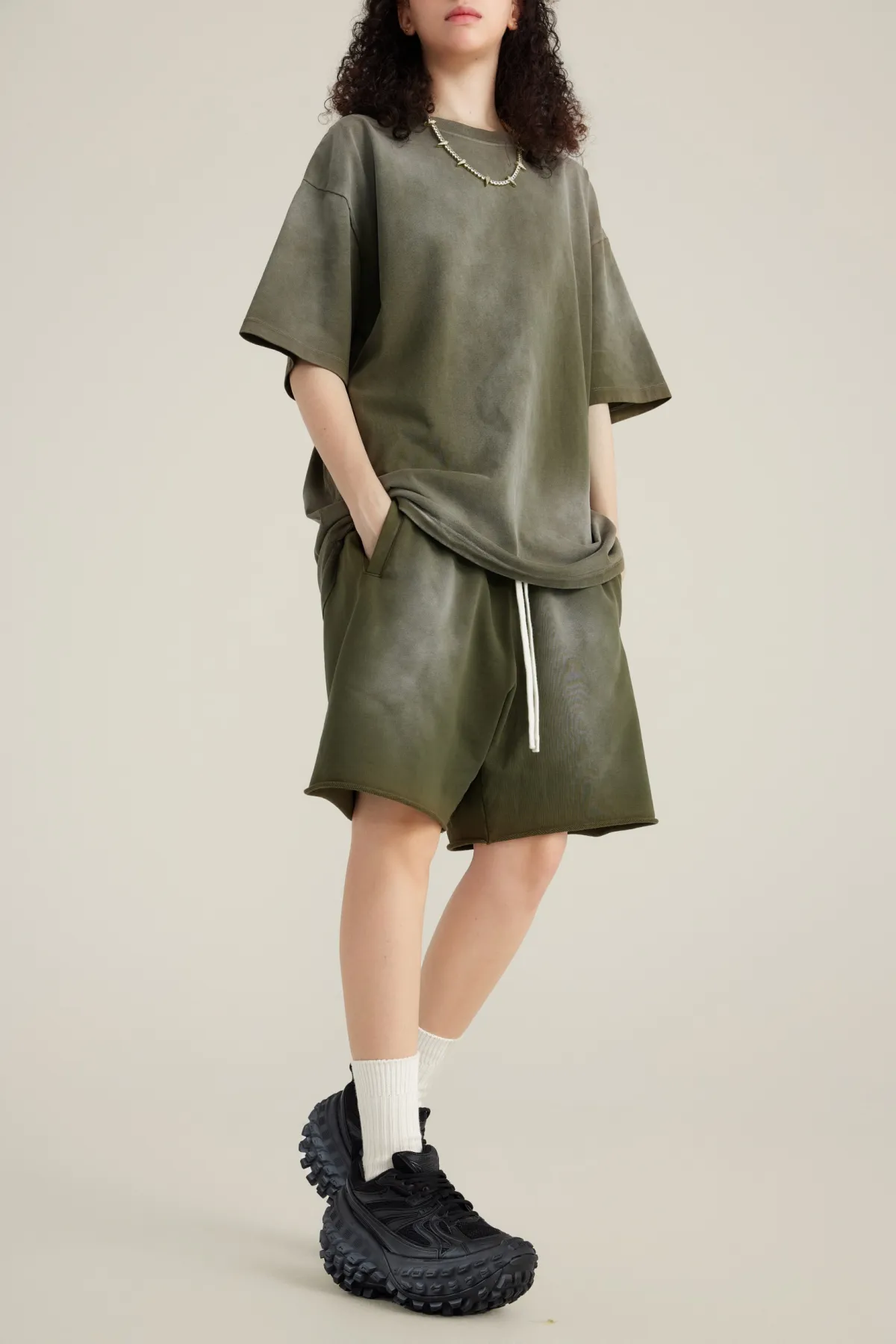
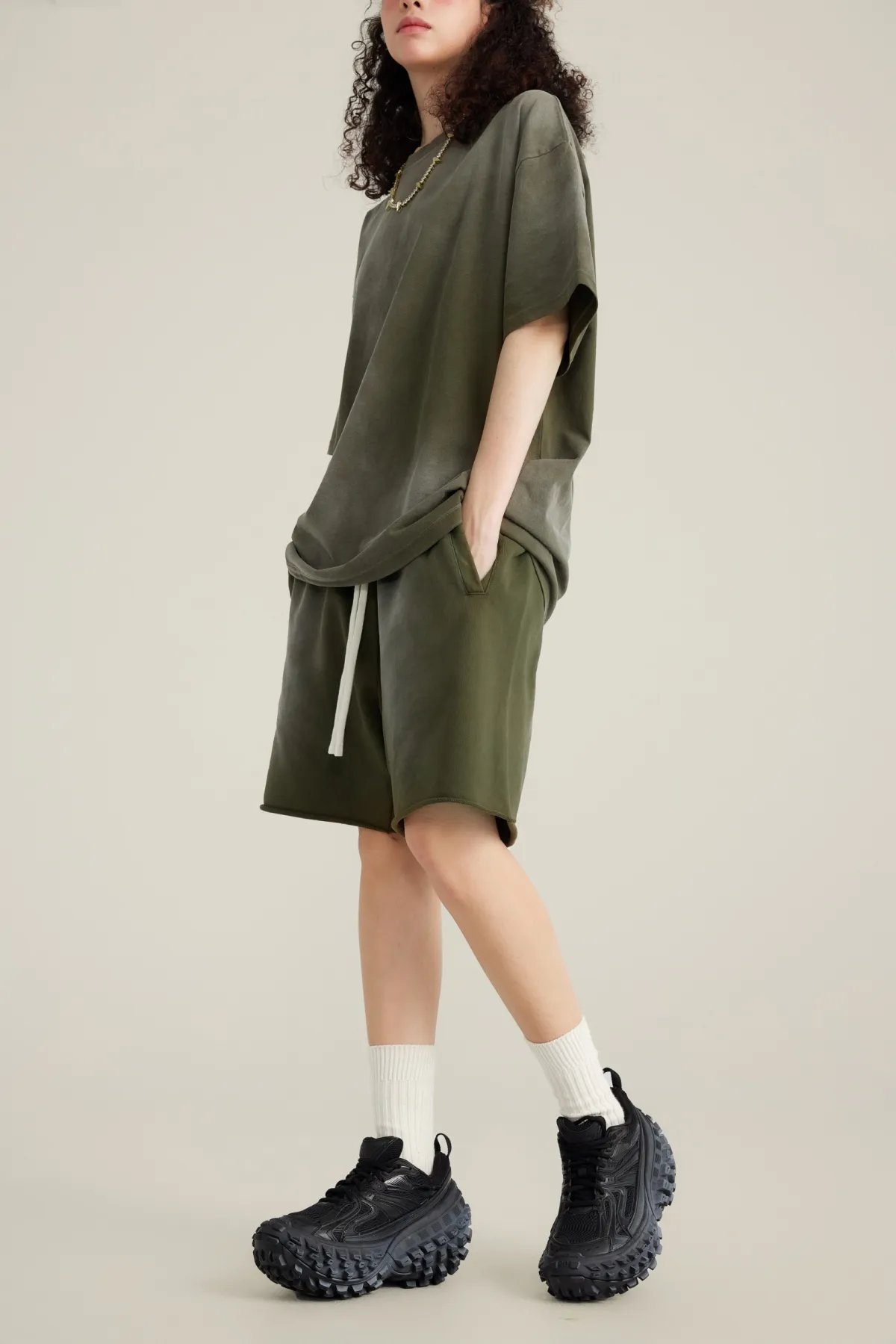
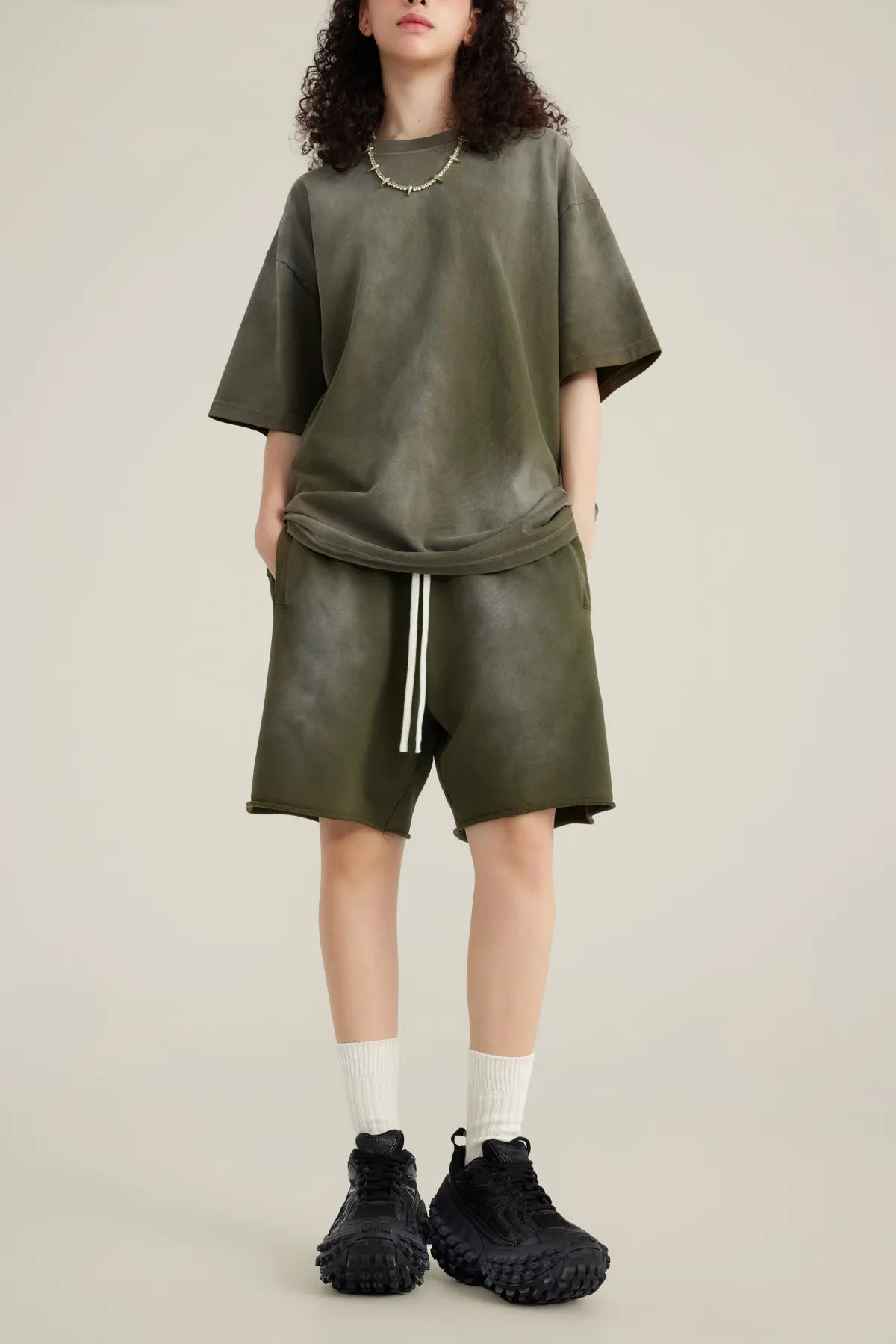
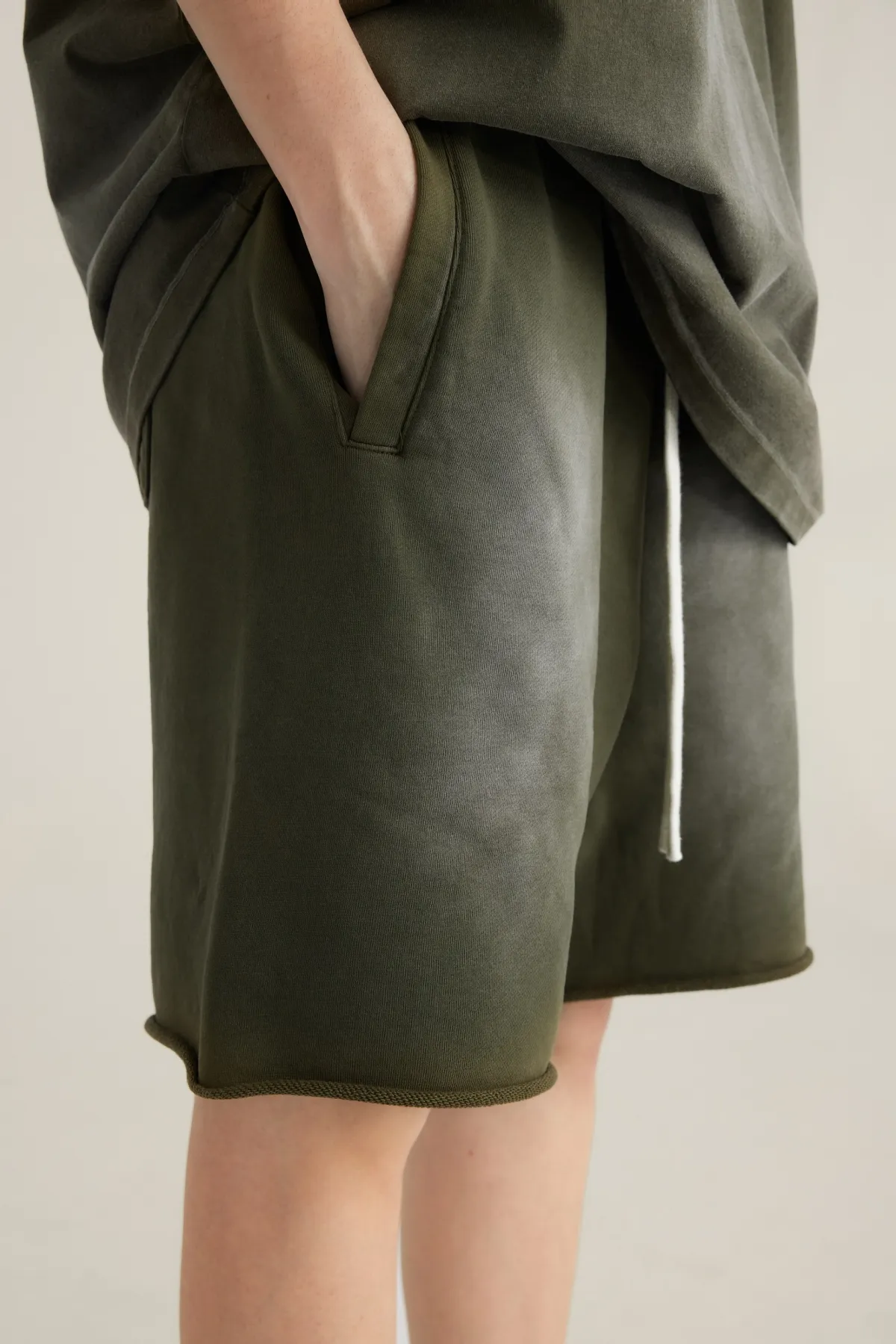
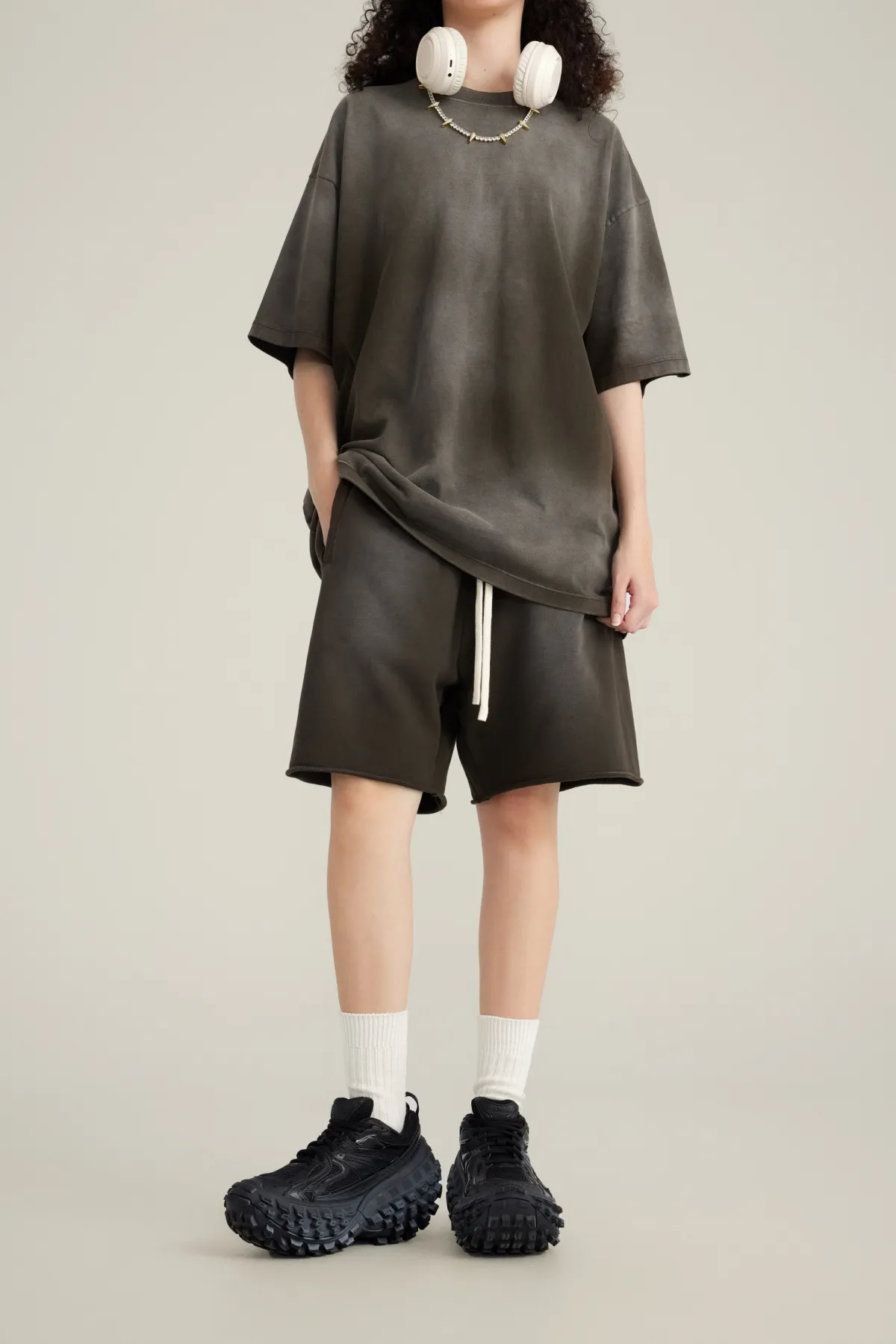
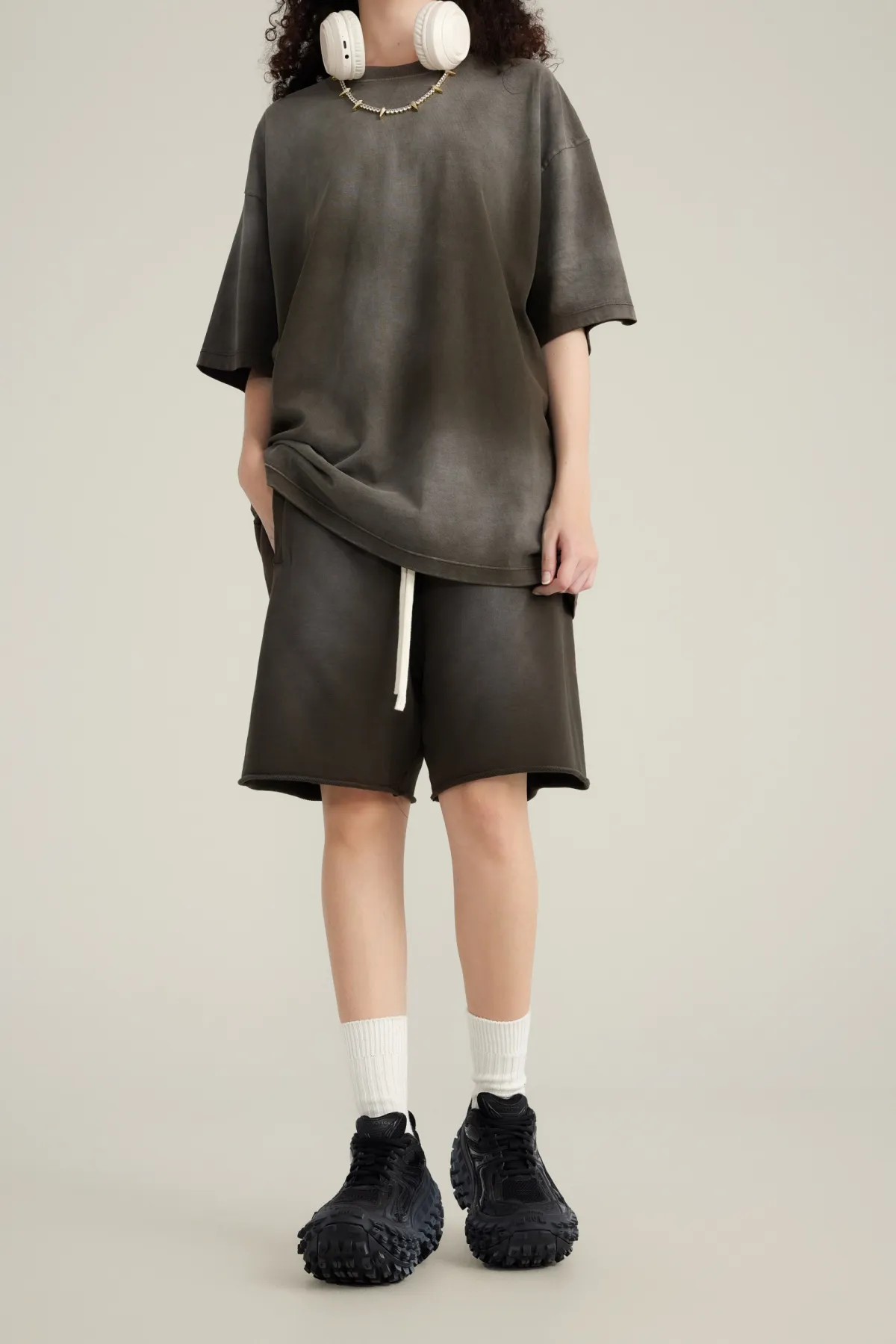
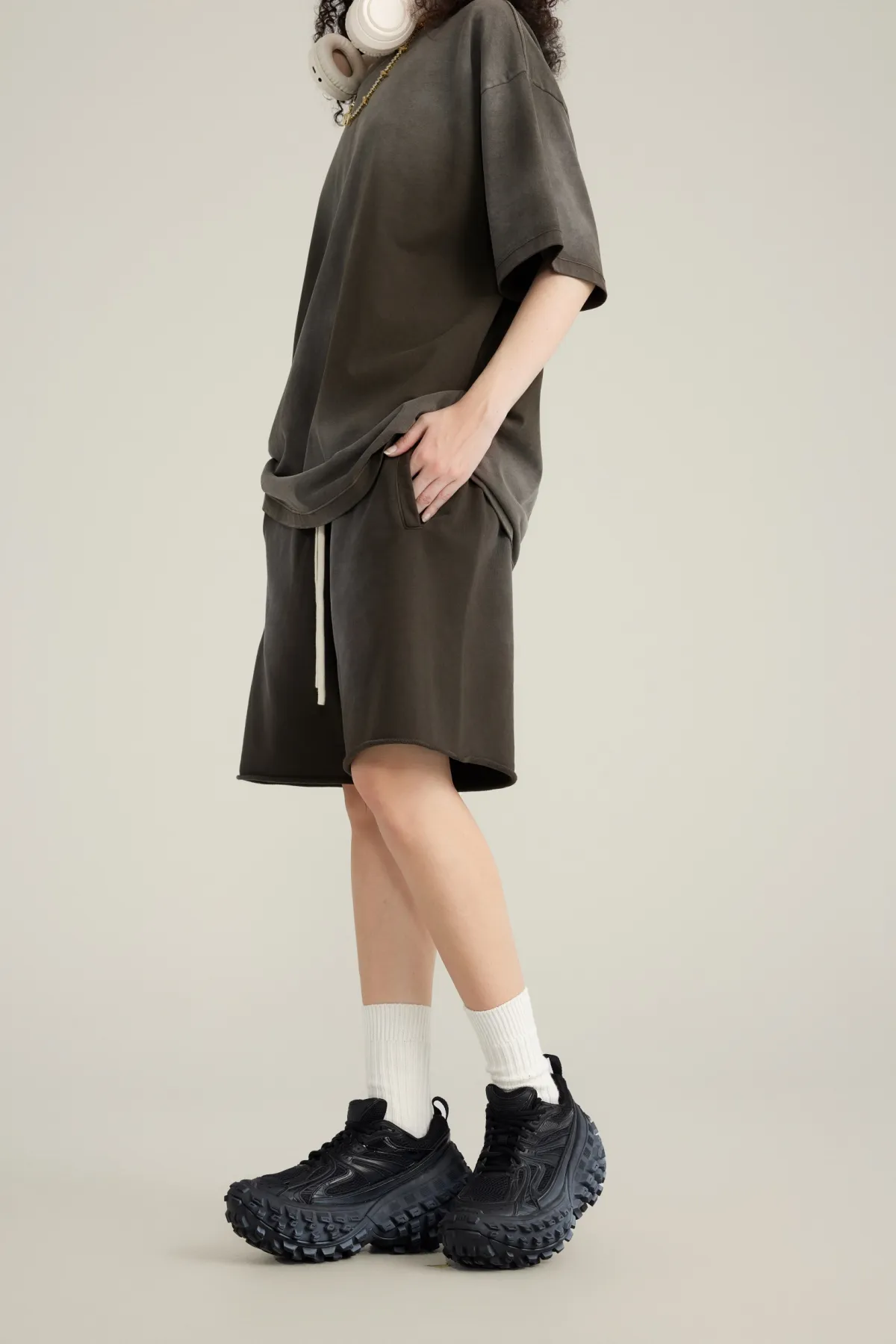
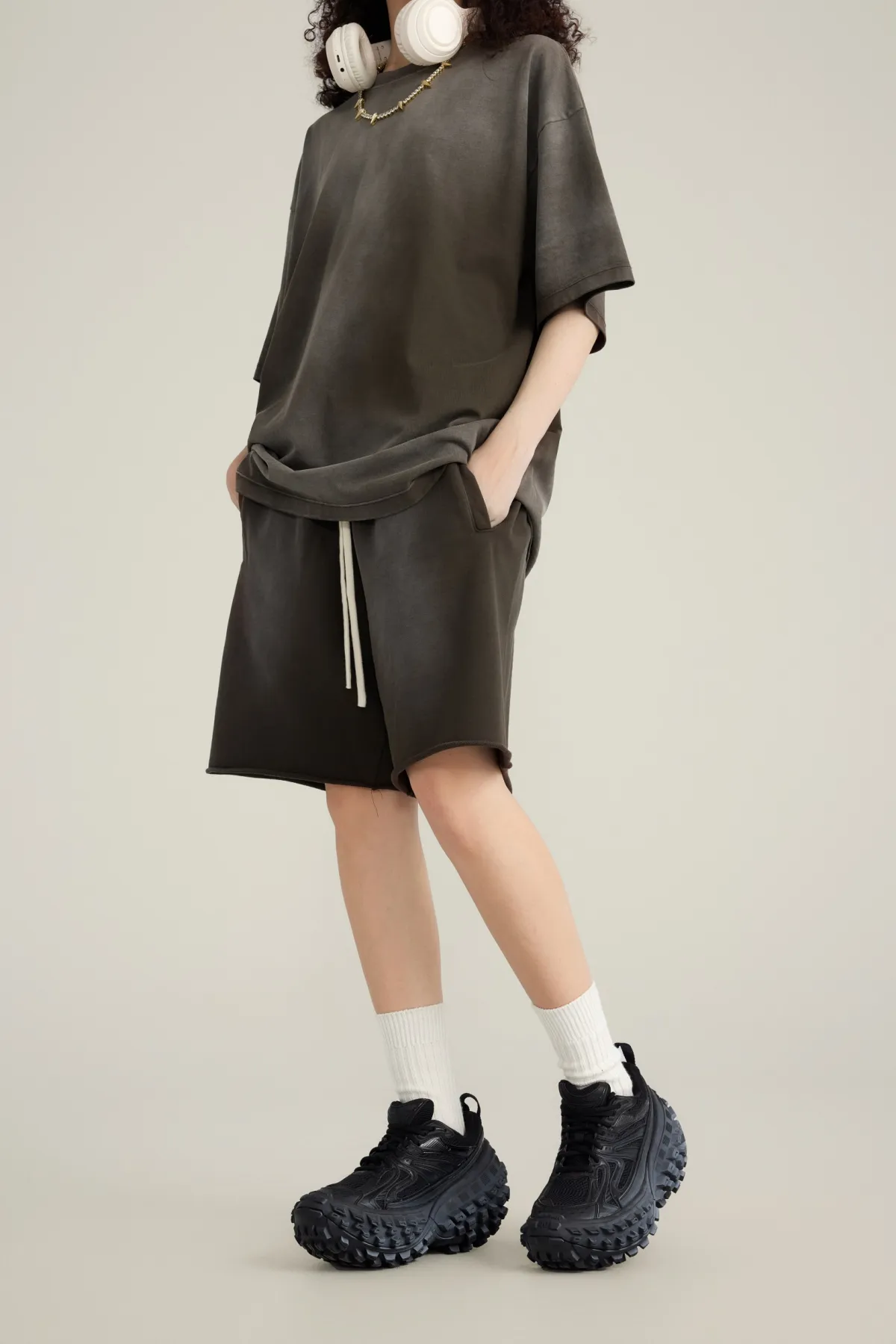
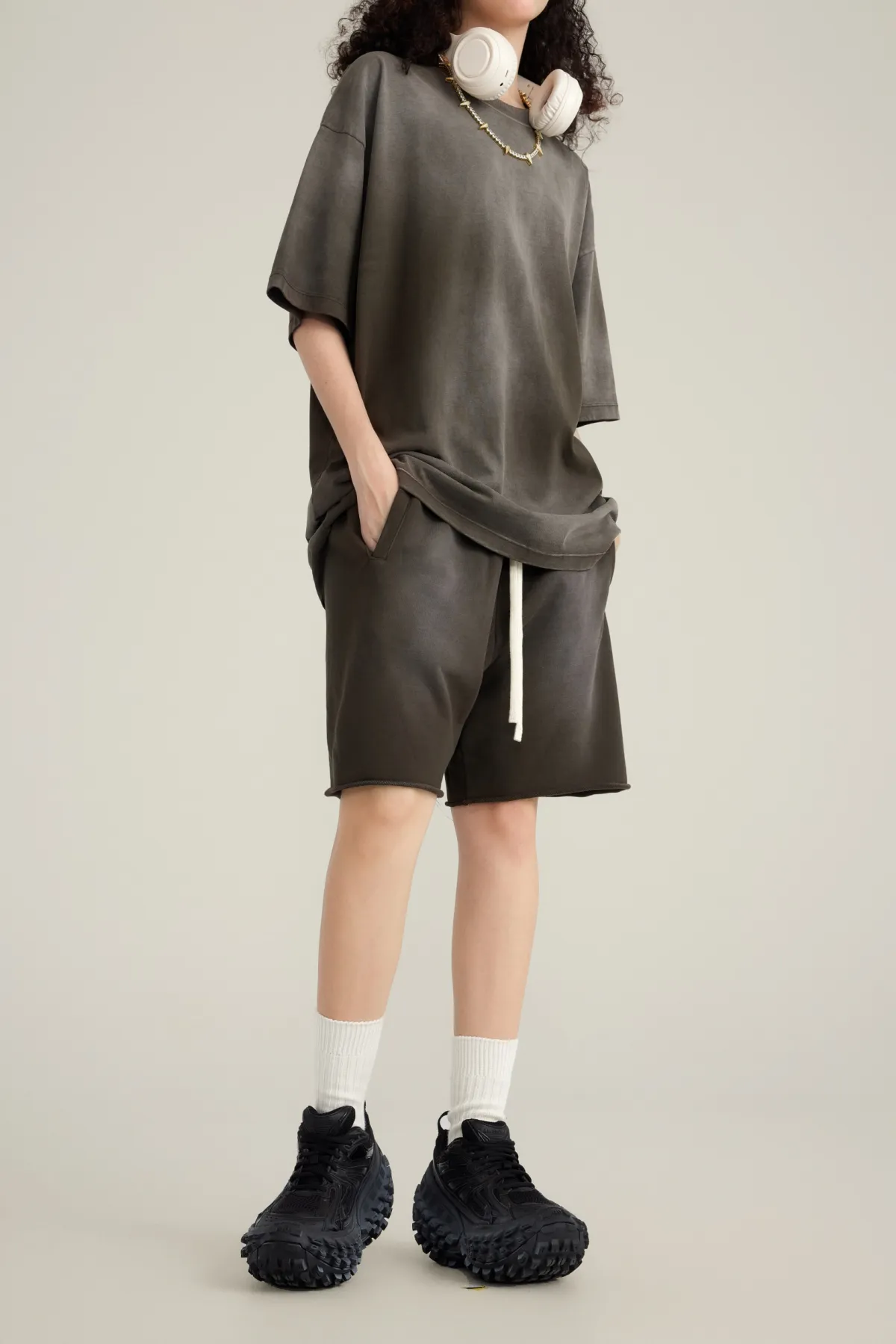
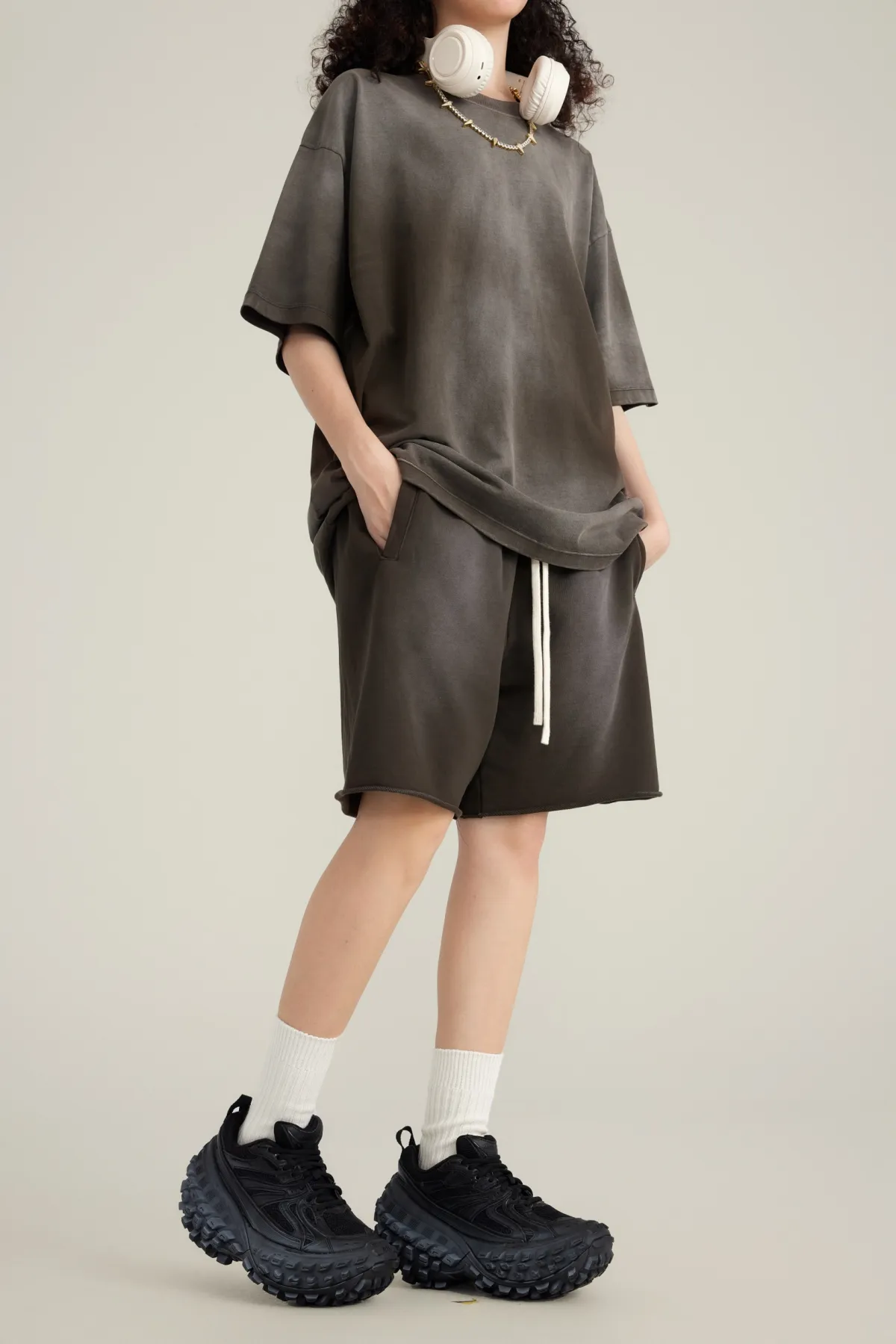
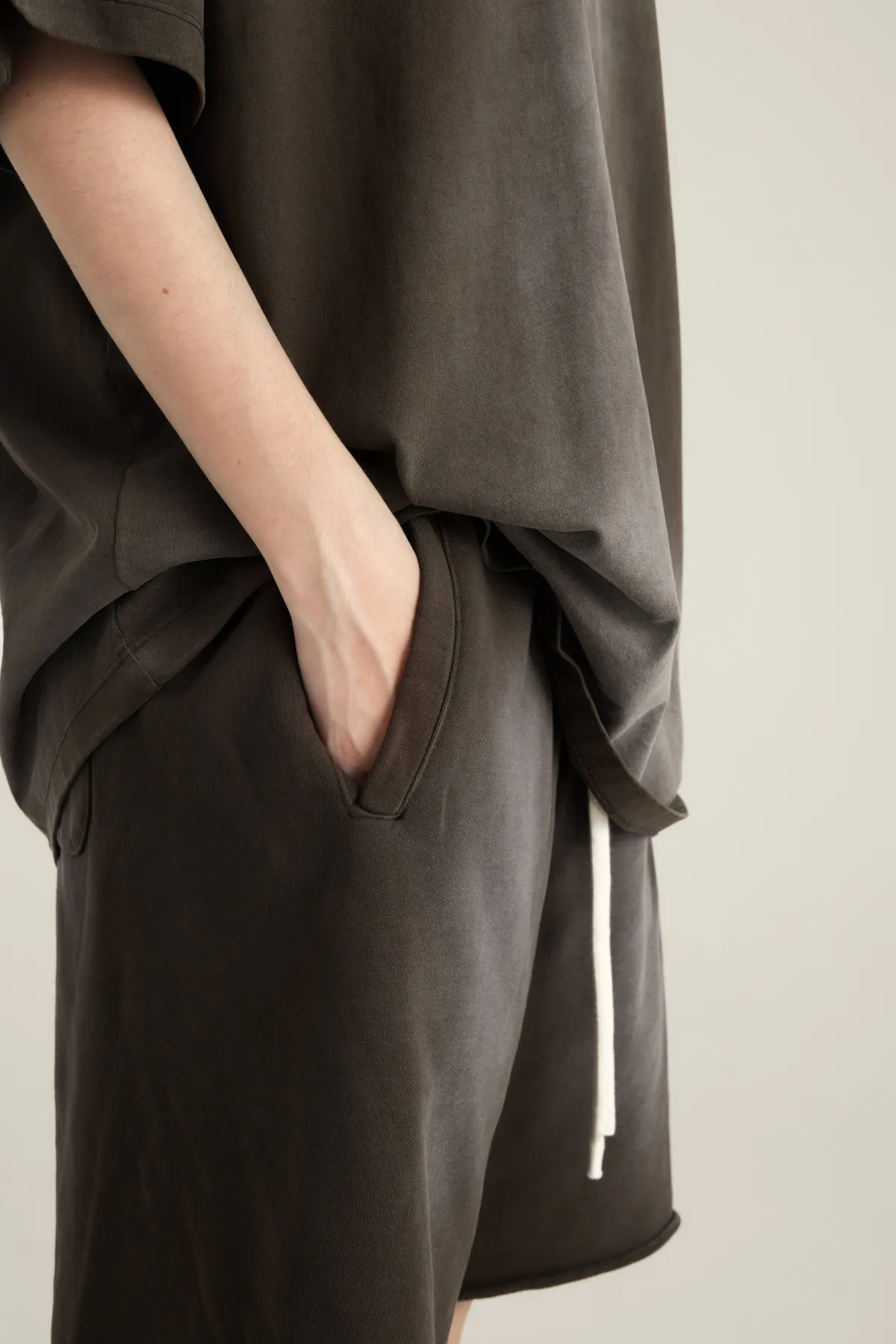
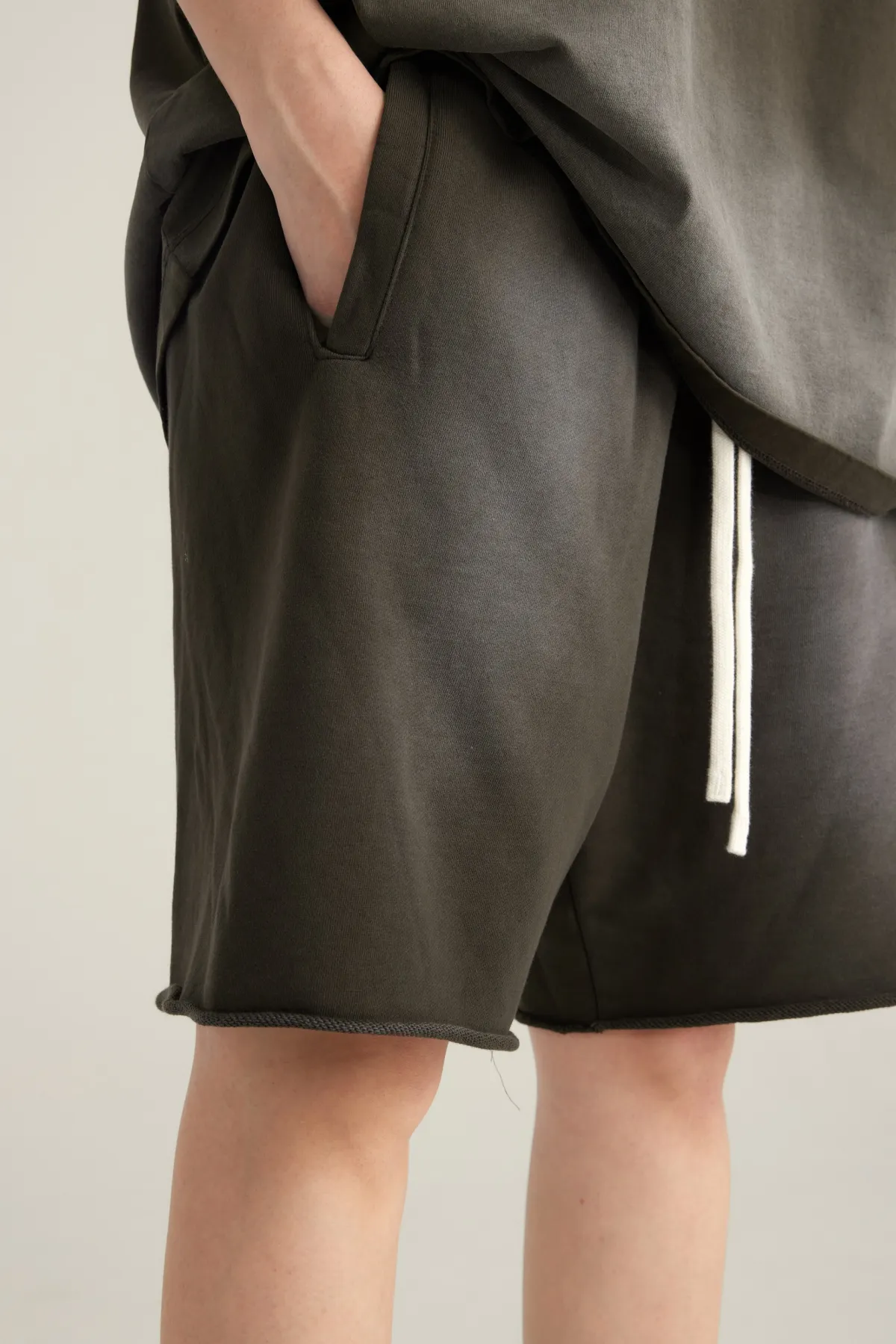
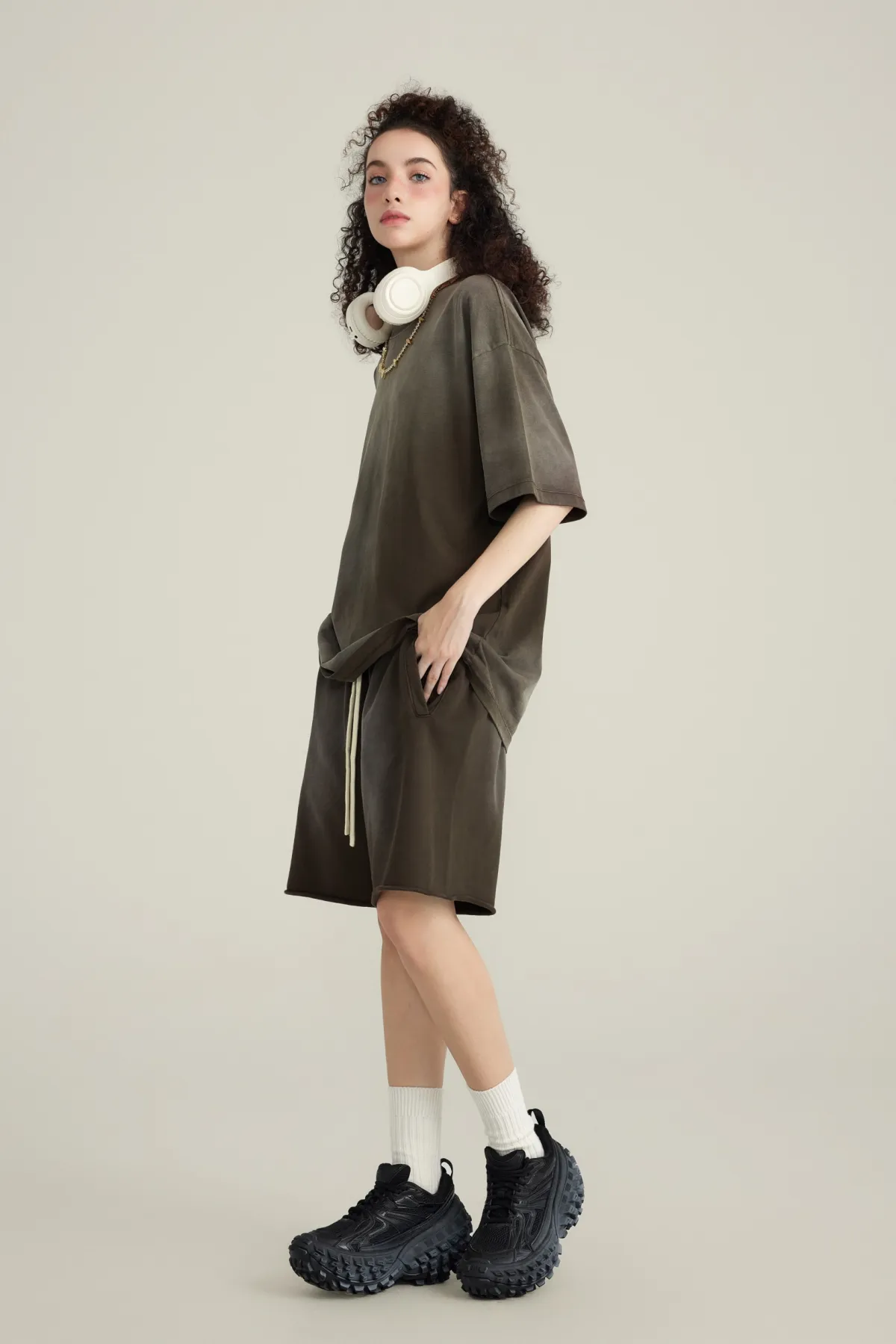
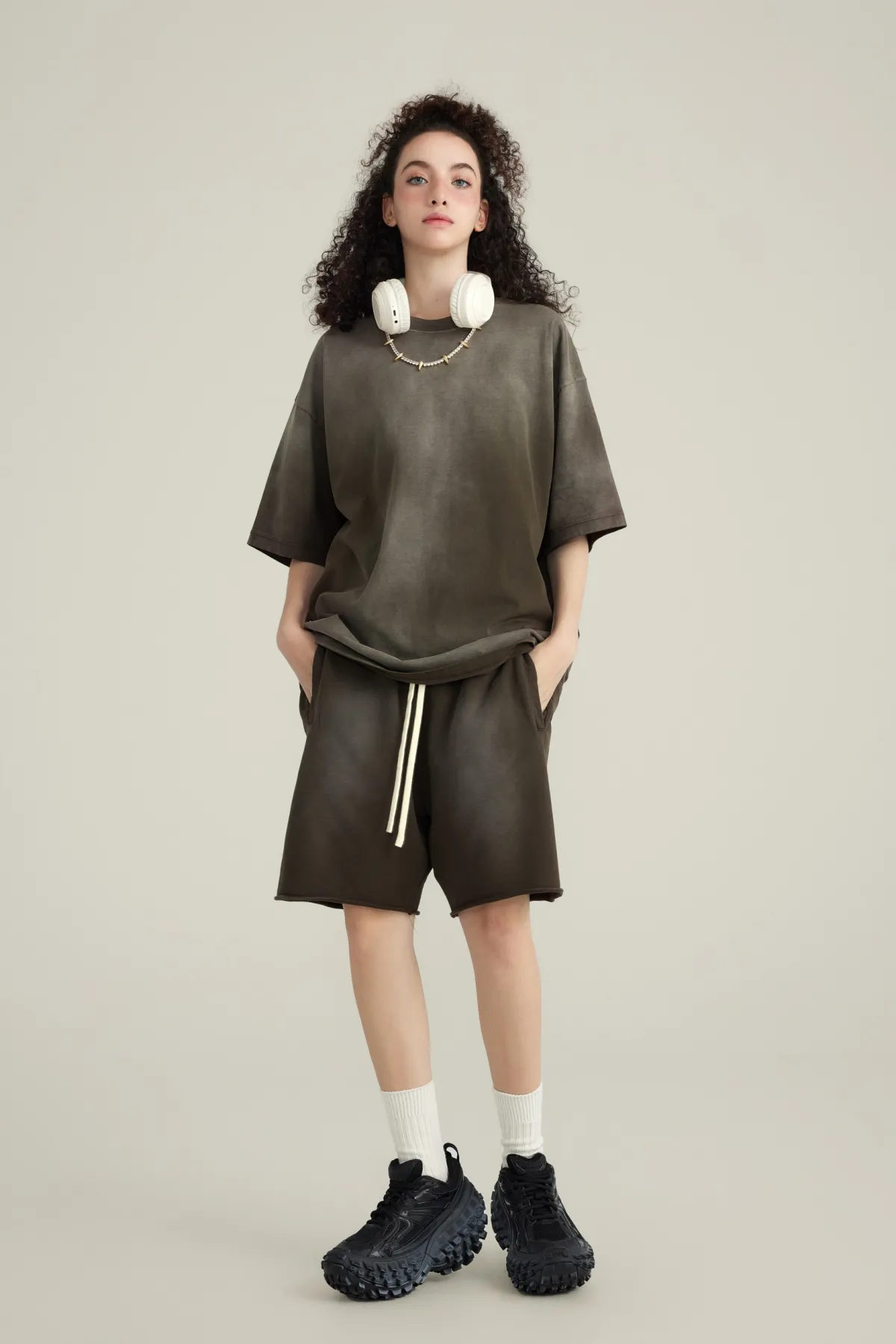
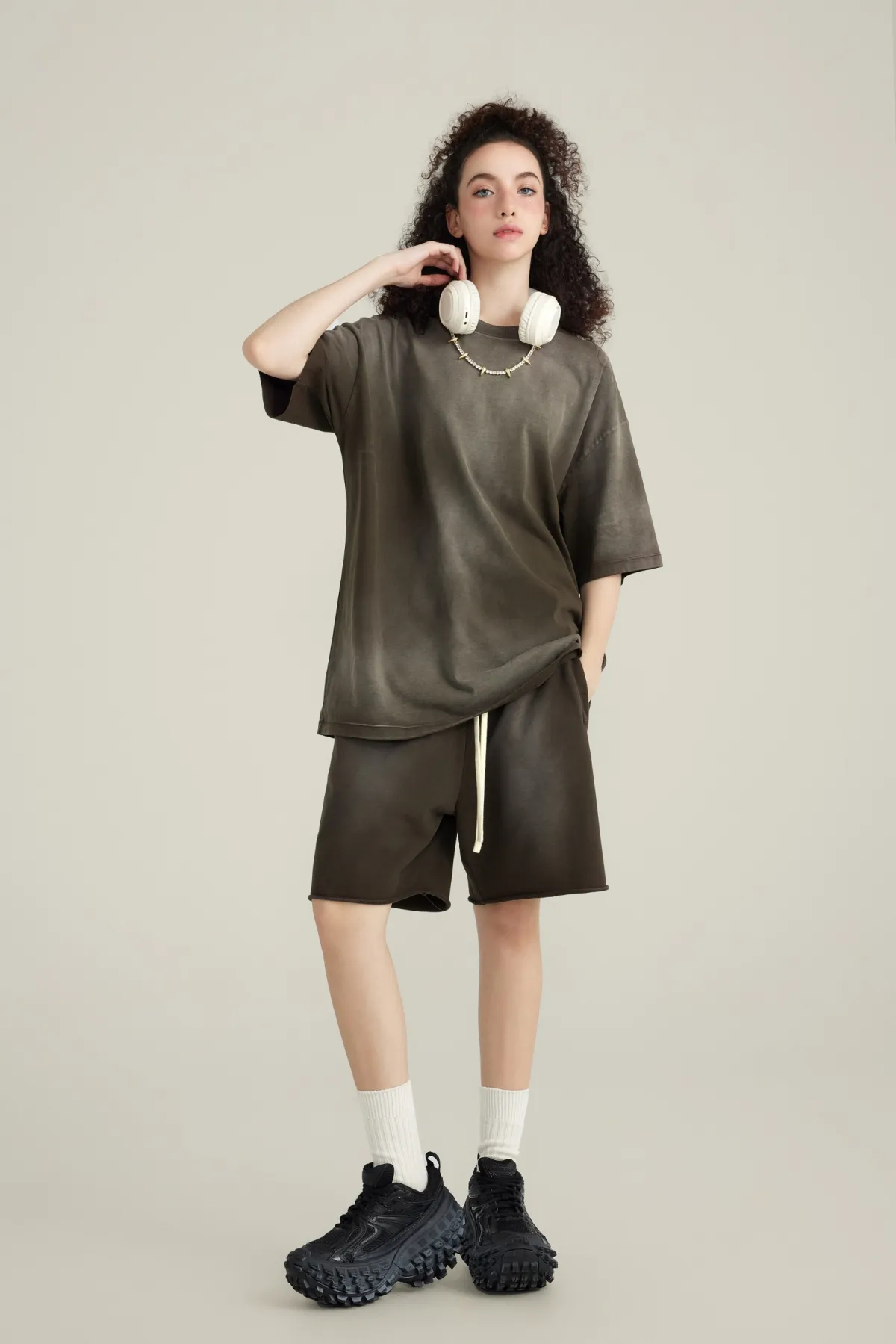
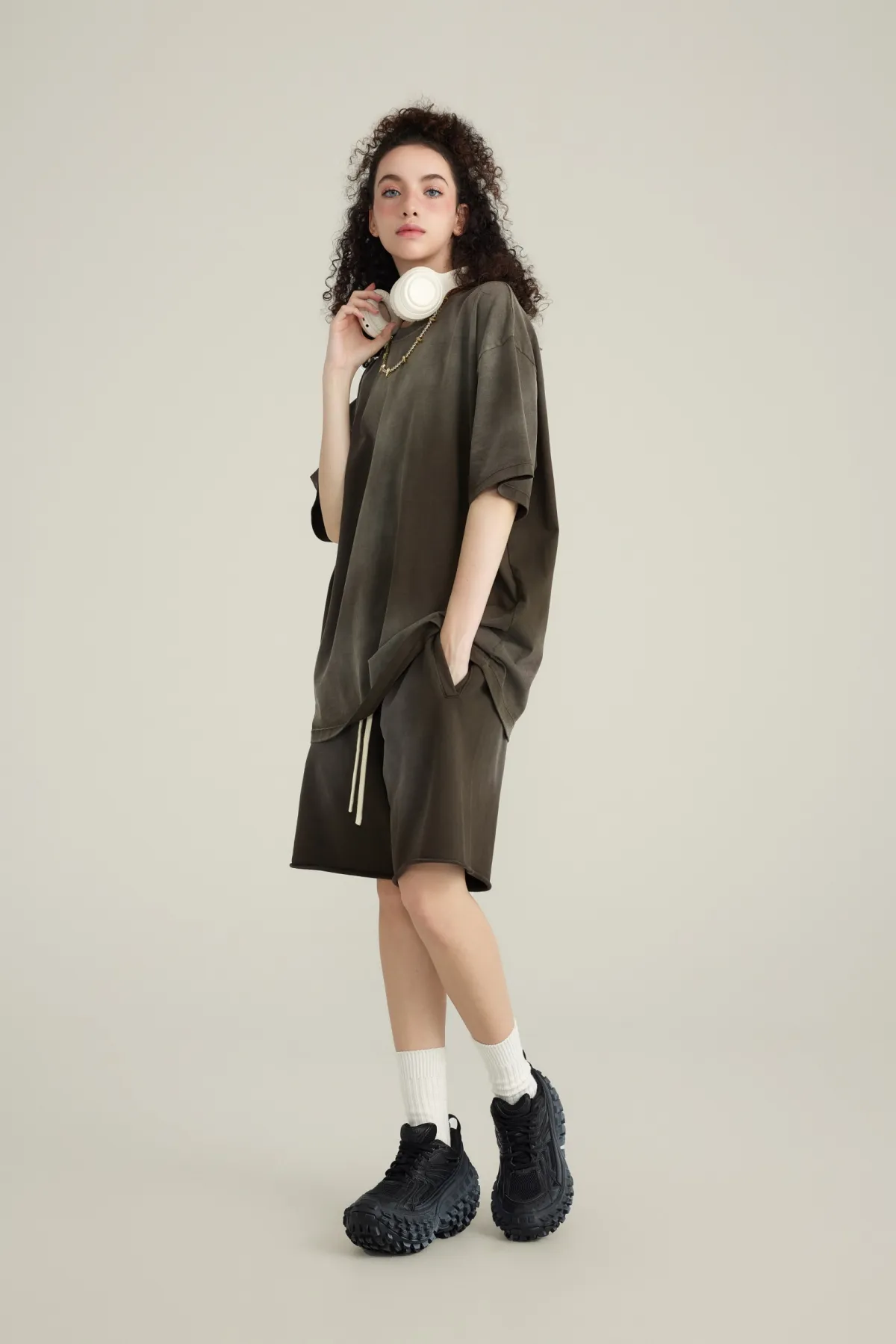
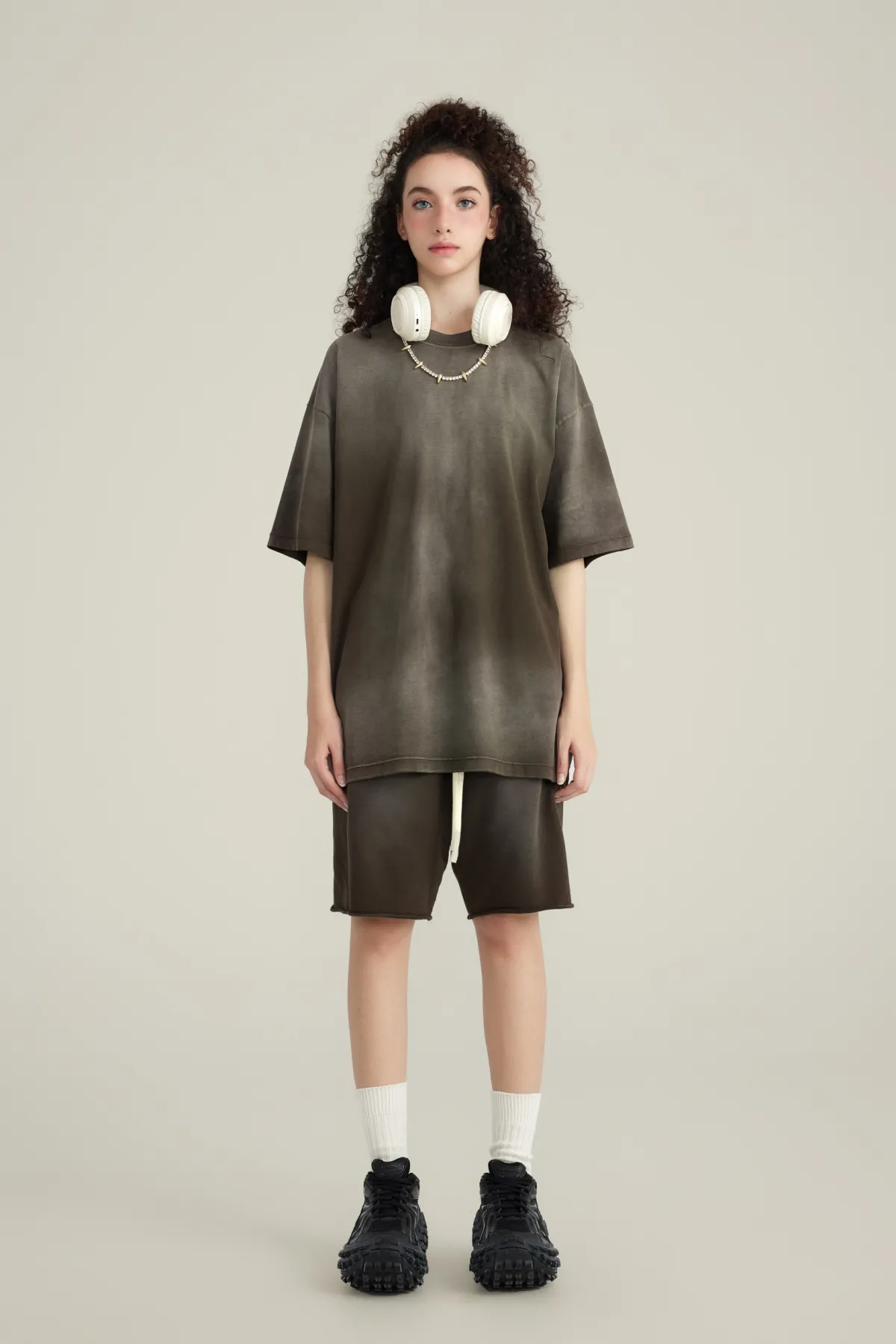
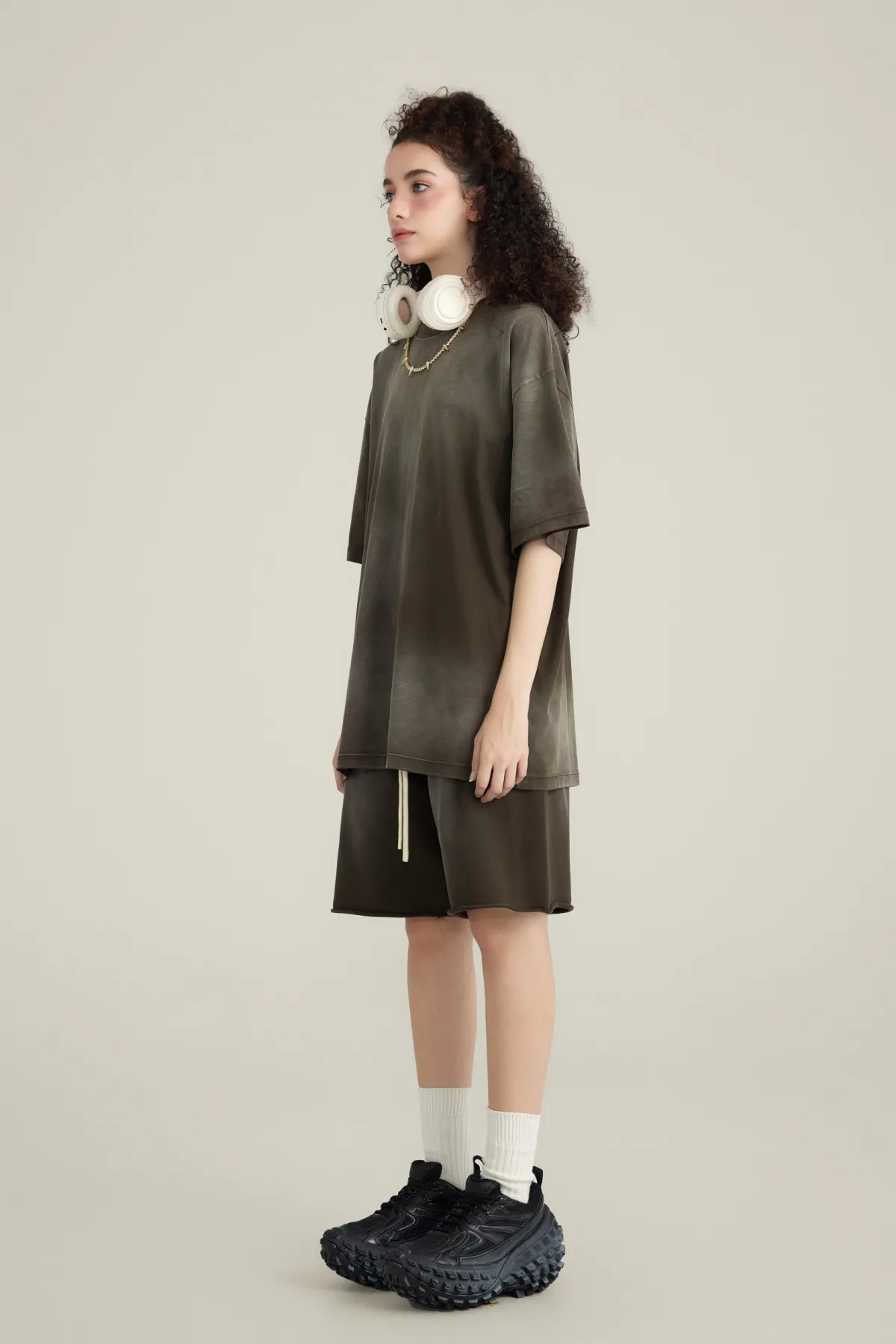
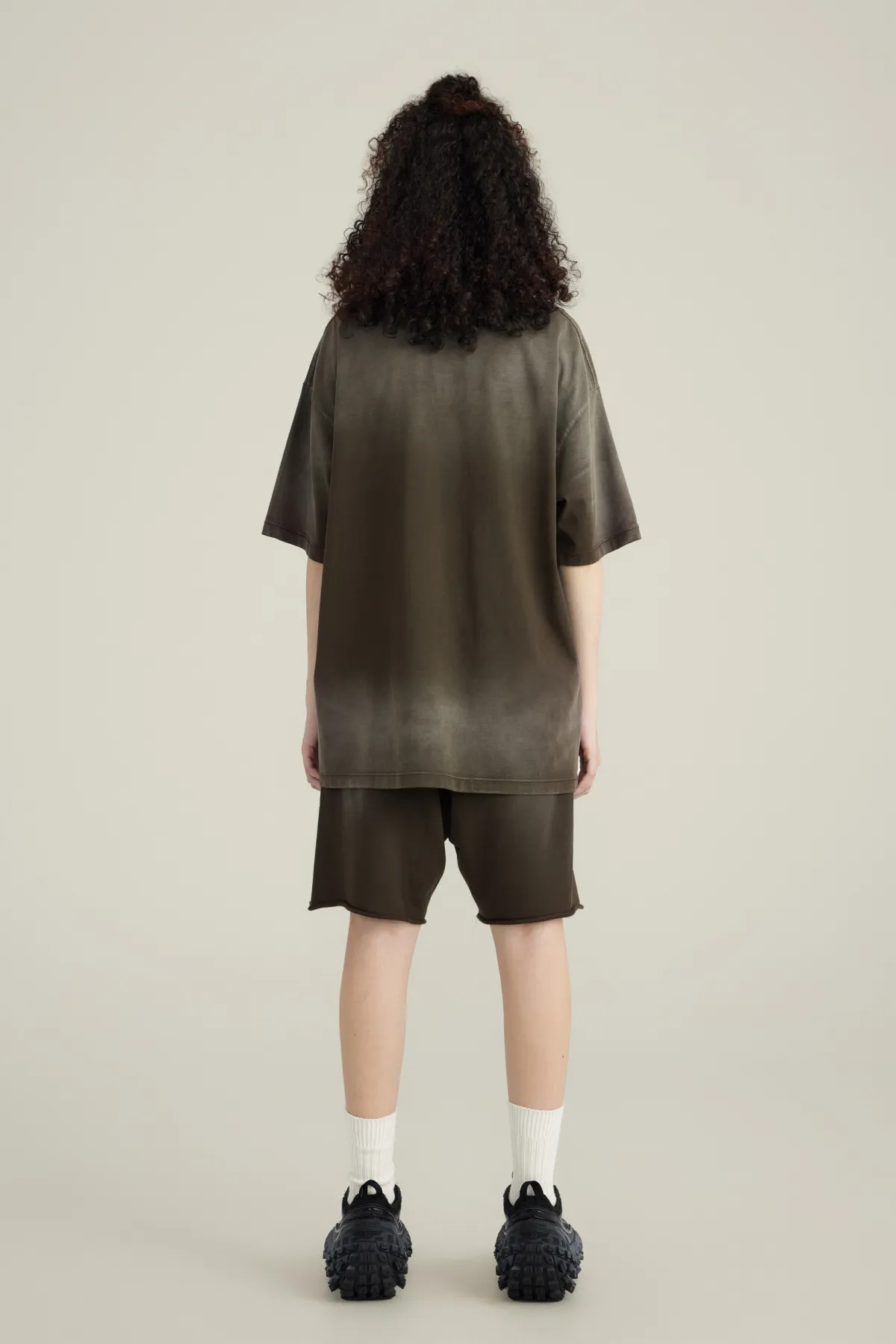
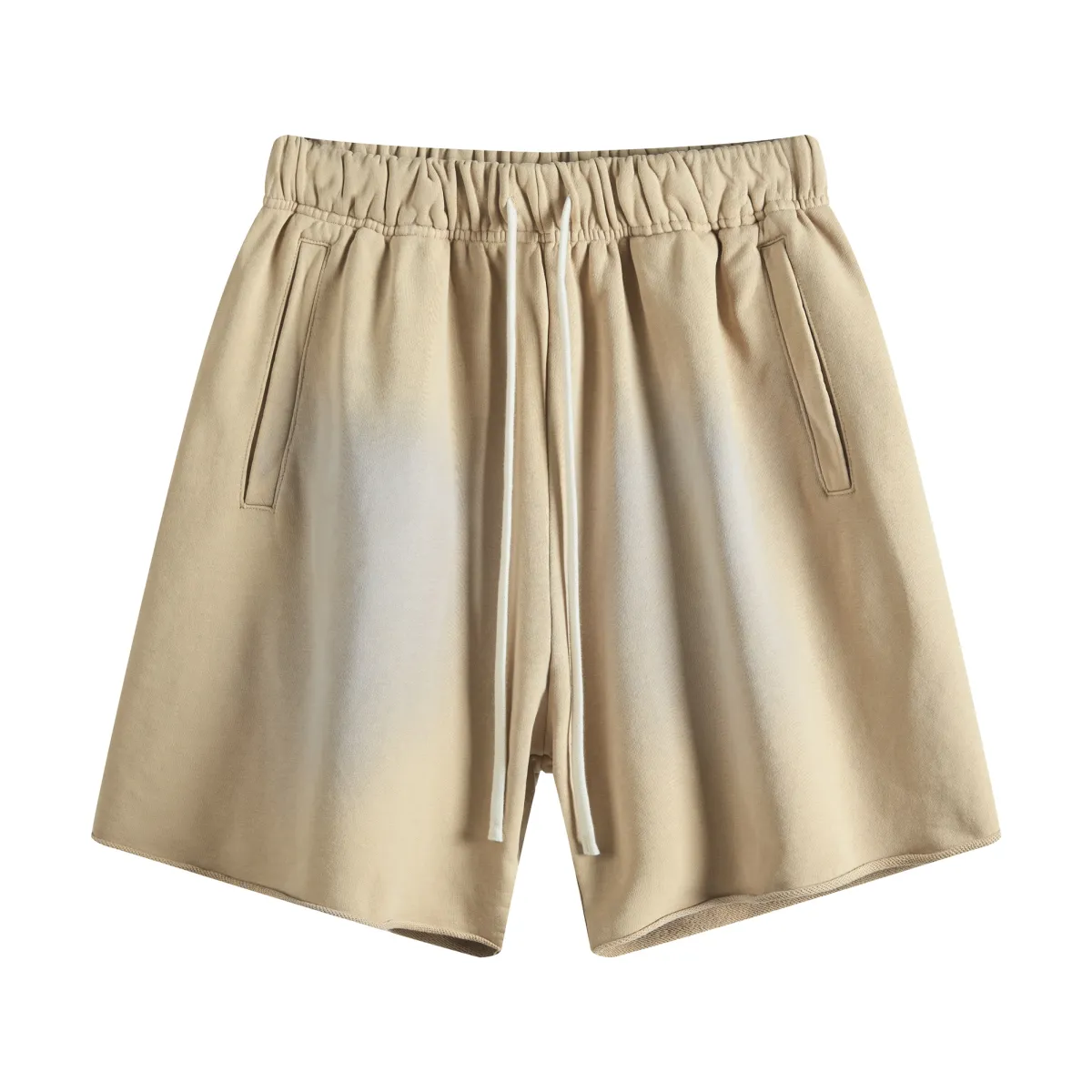
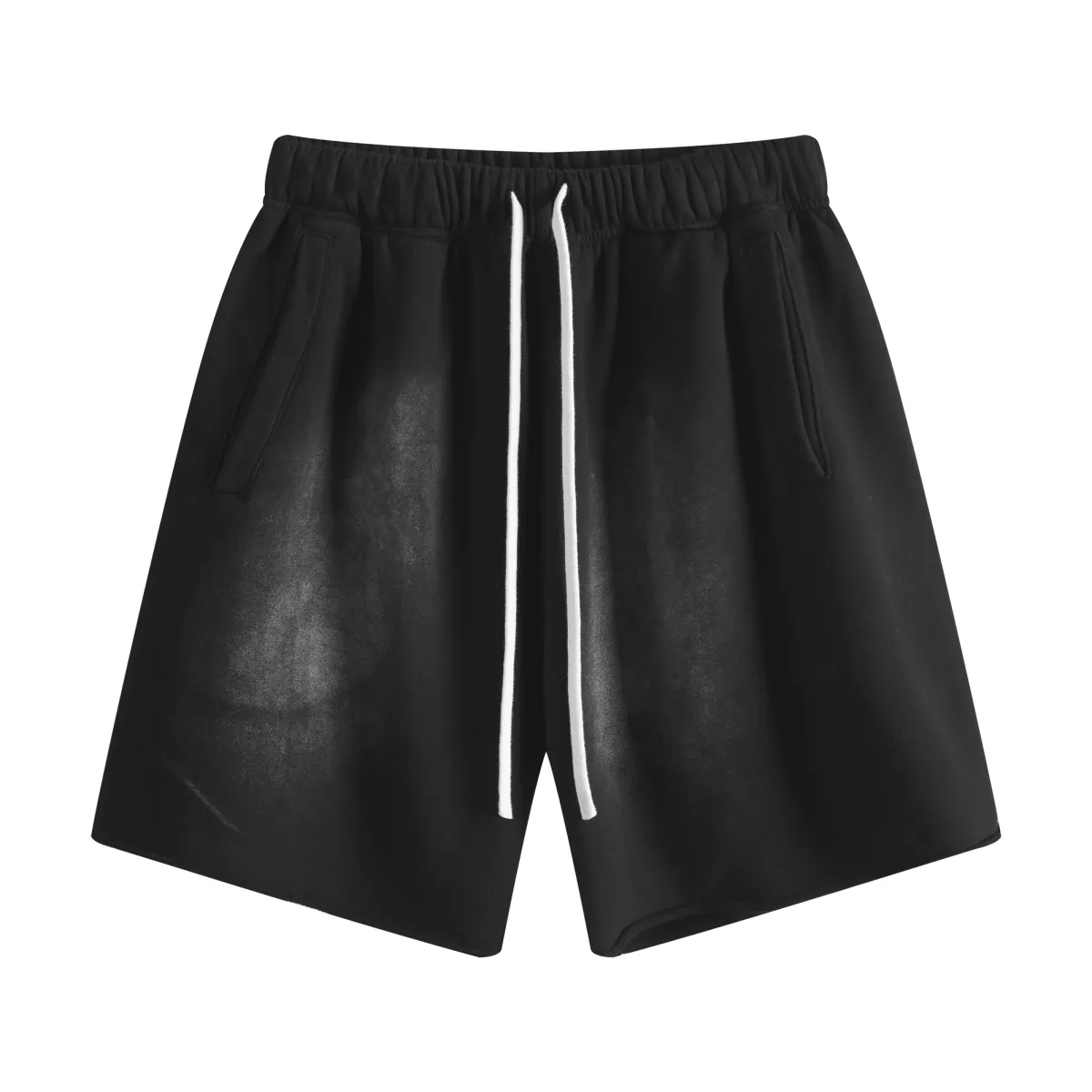
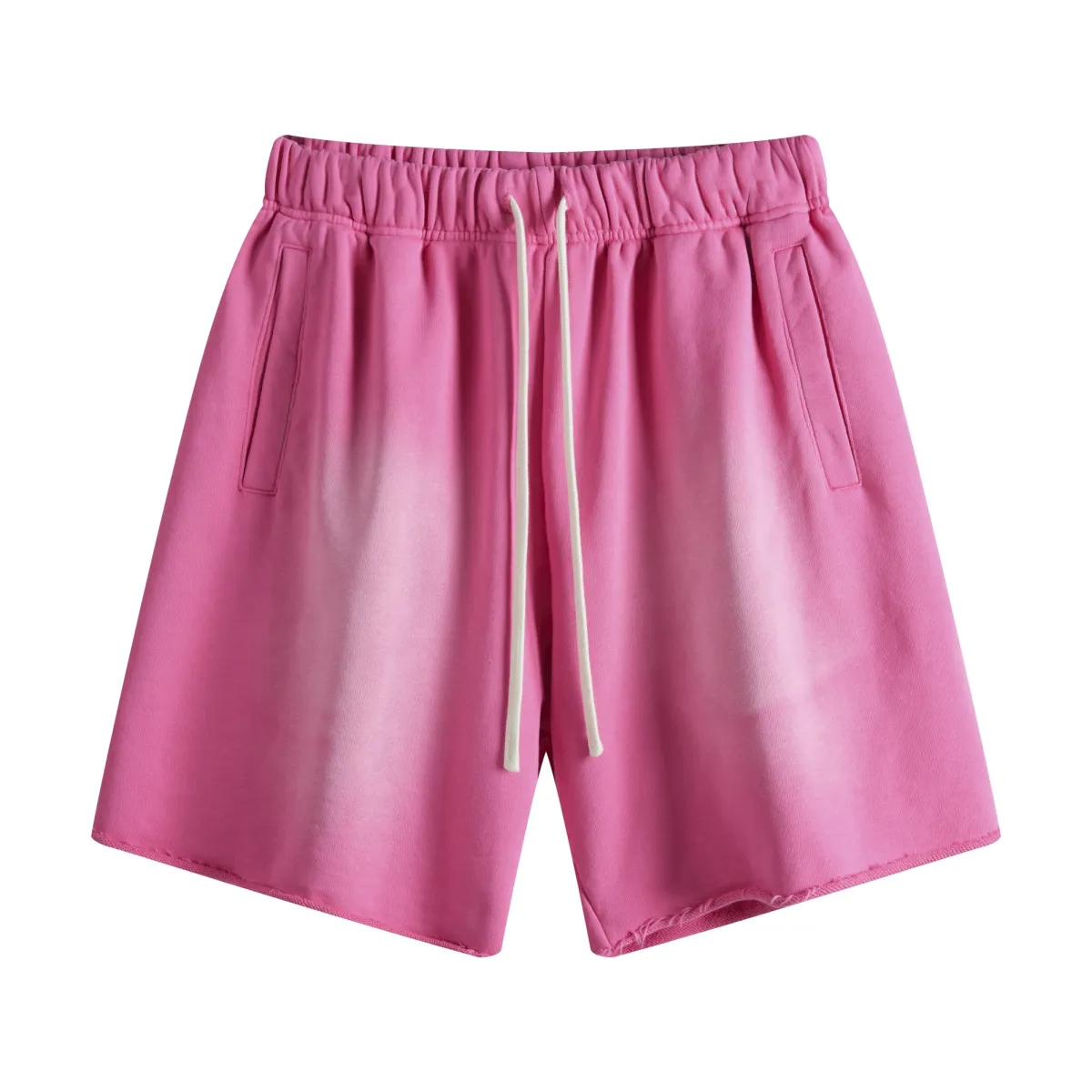
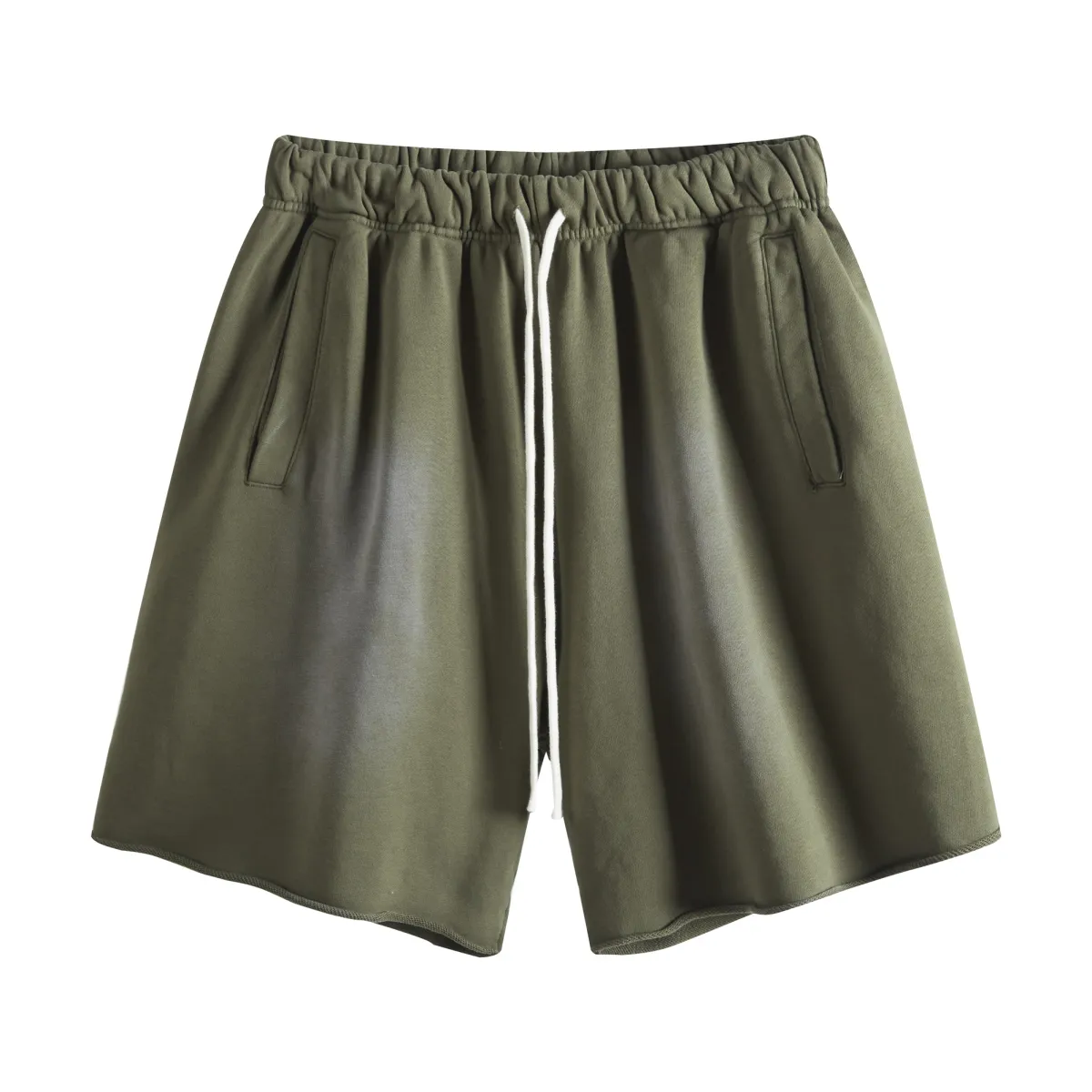
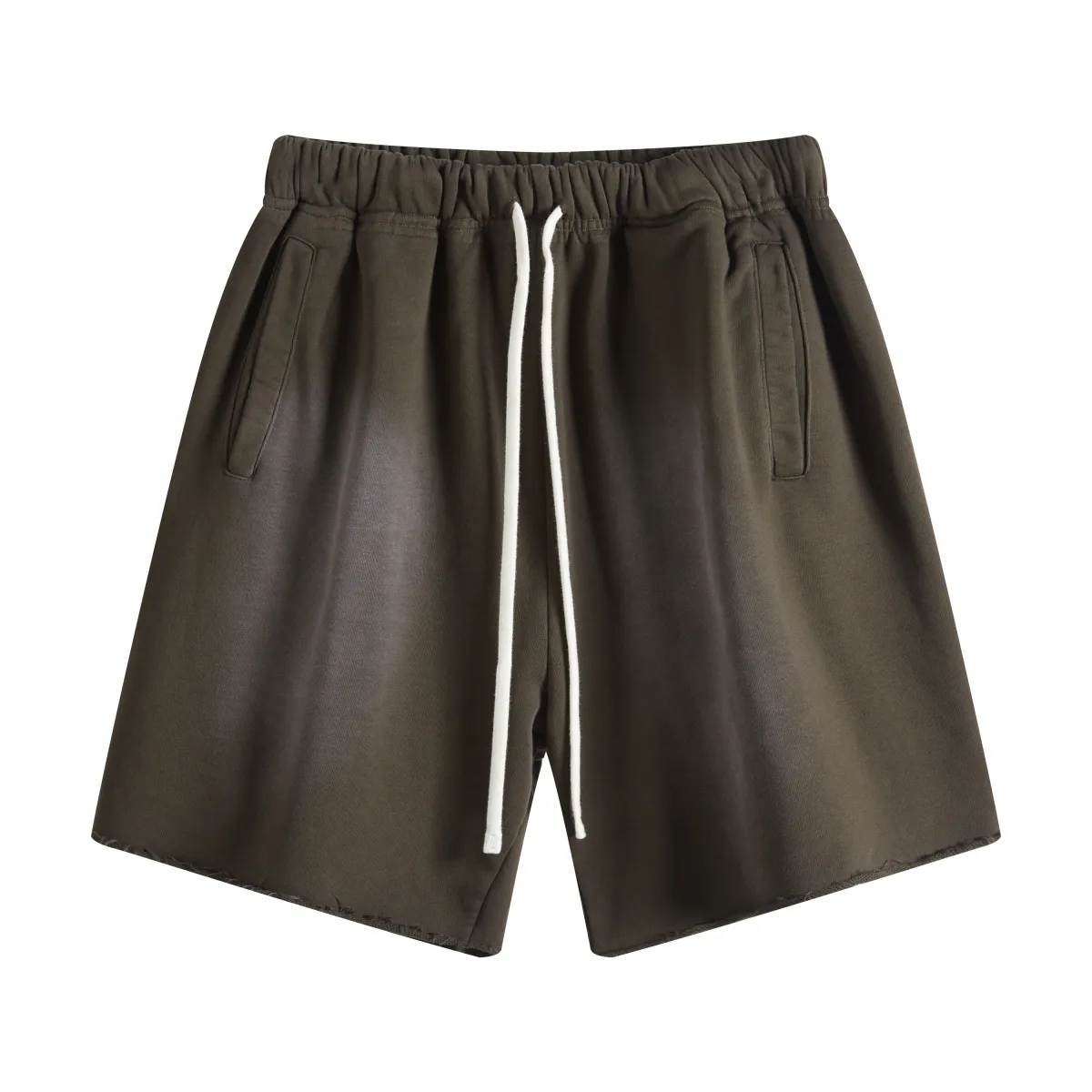





CatalogWomen's clothingPants400GSM Heavyweight Raw Edge Spray Washed Straight Shorts for Women

400GSM Heavyweight Raw Edge Spray Washed Straight Shorts for Women

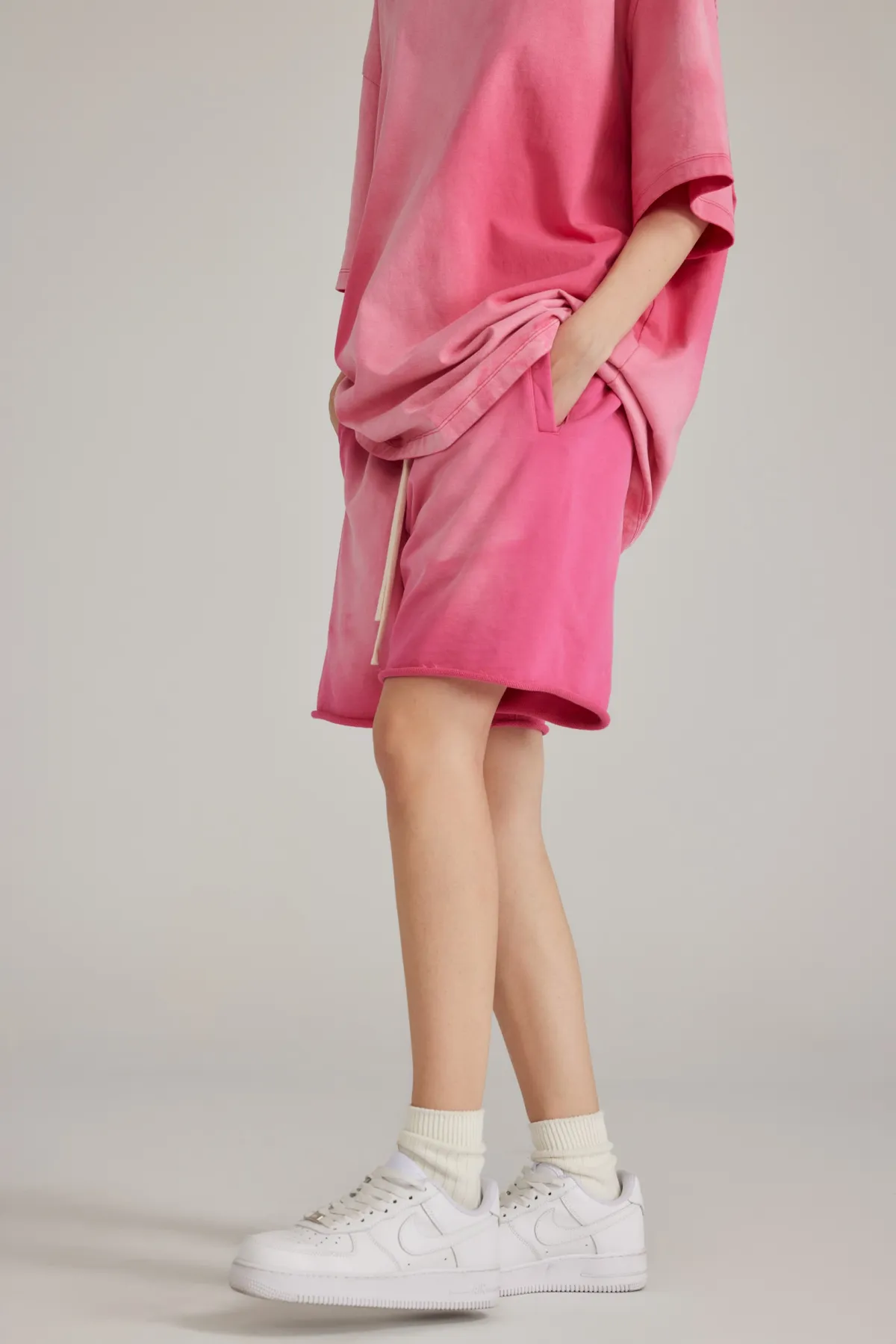
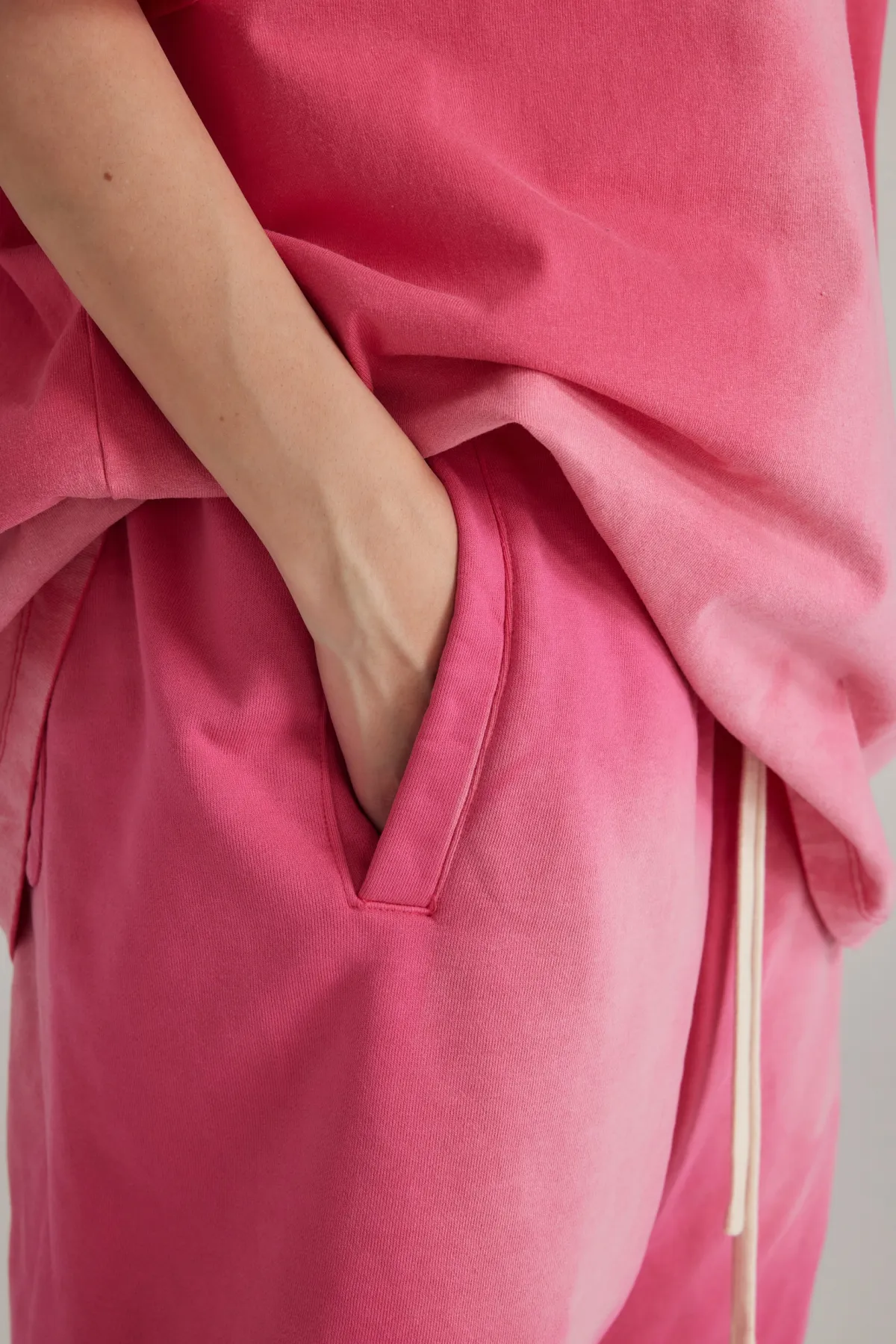
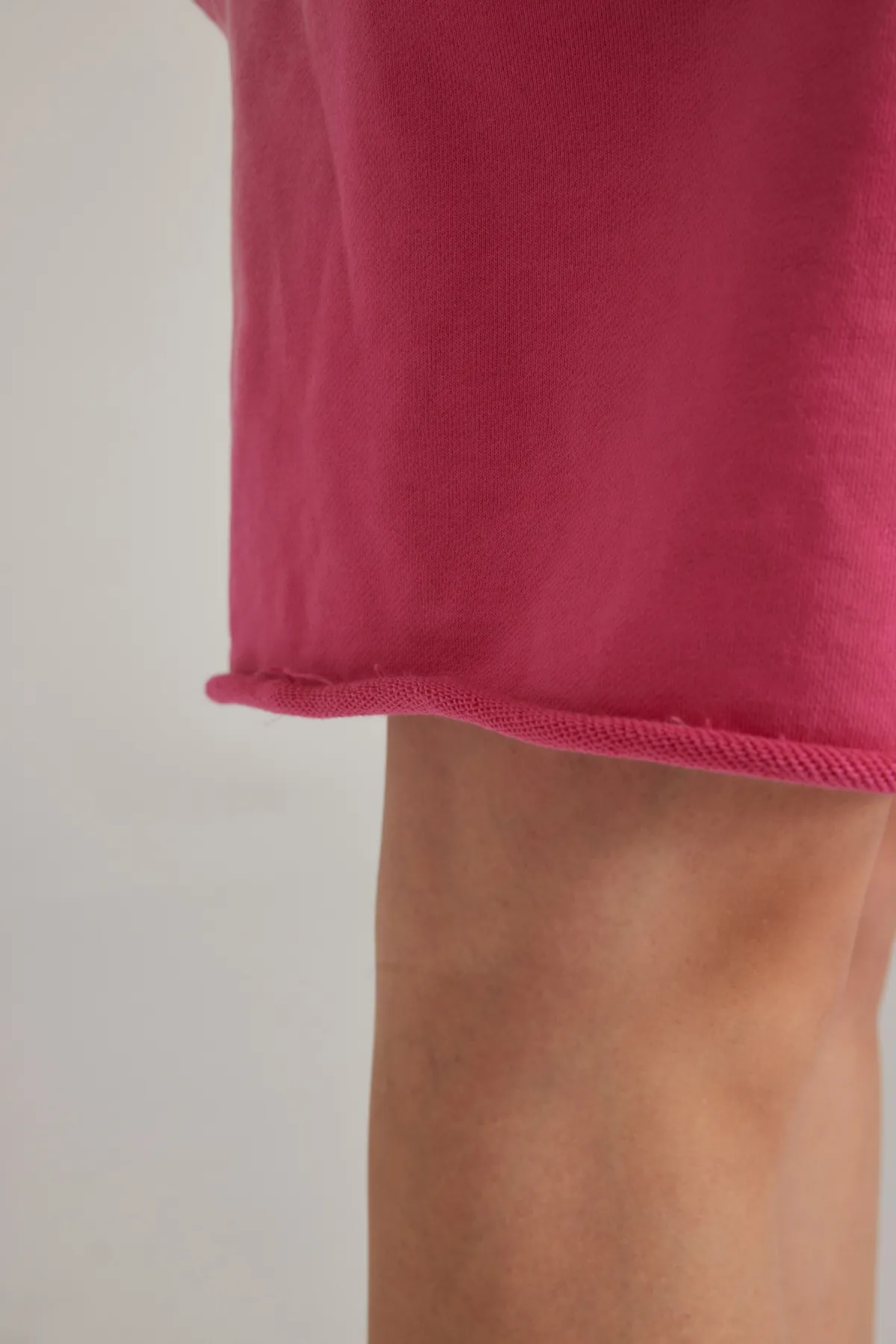
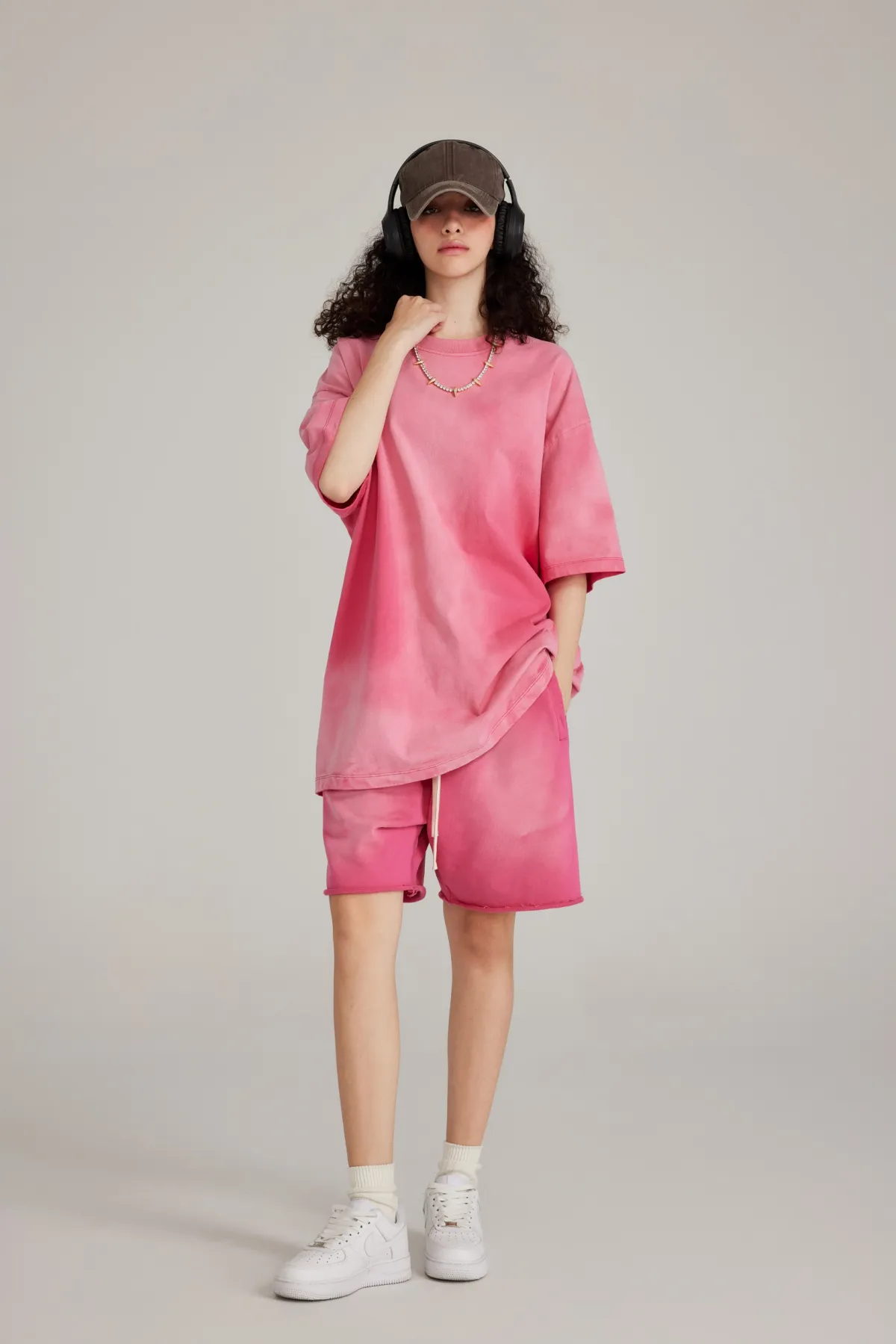
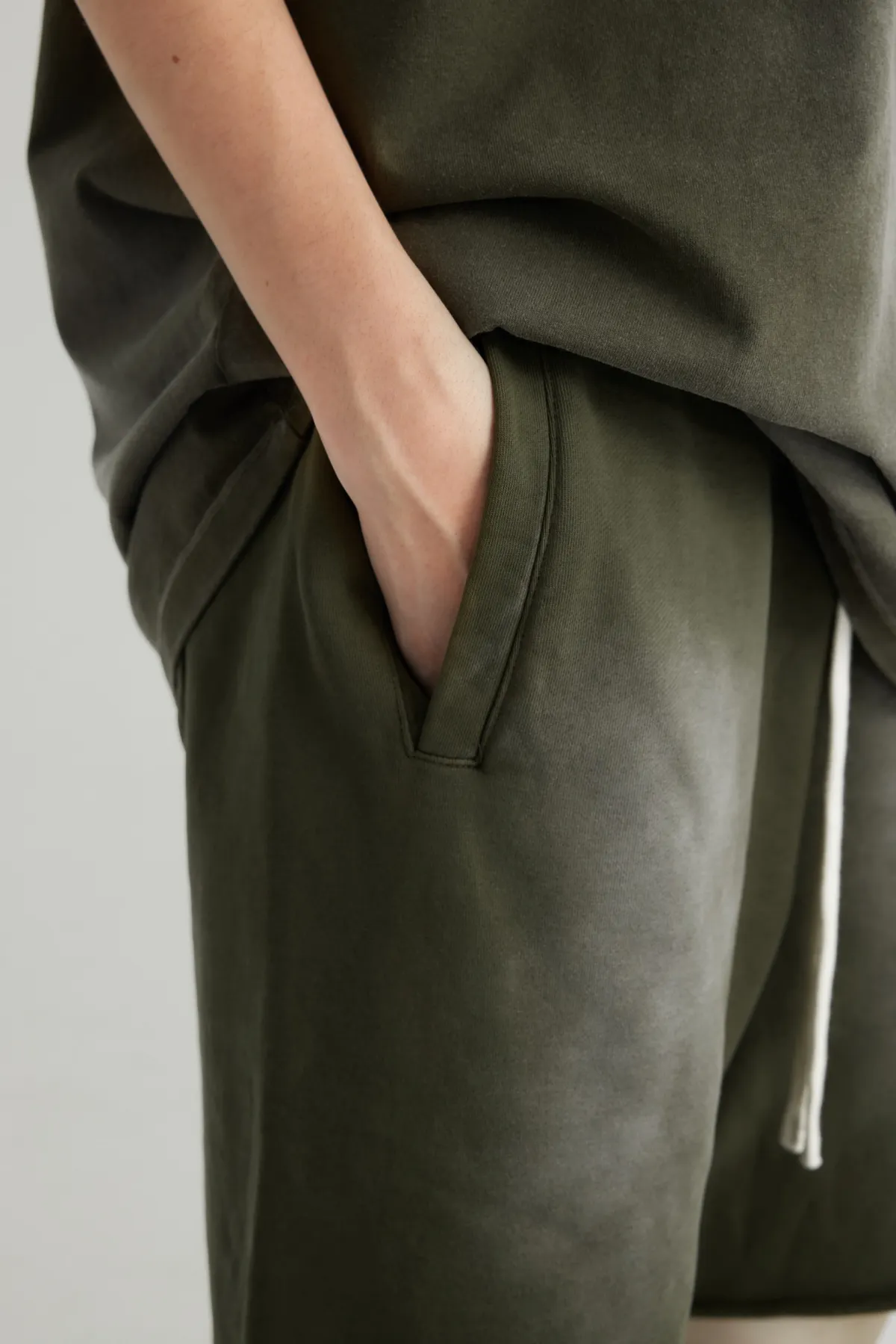
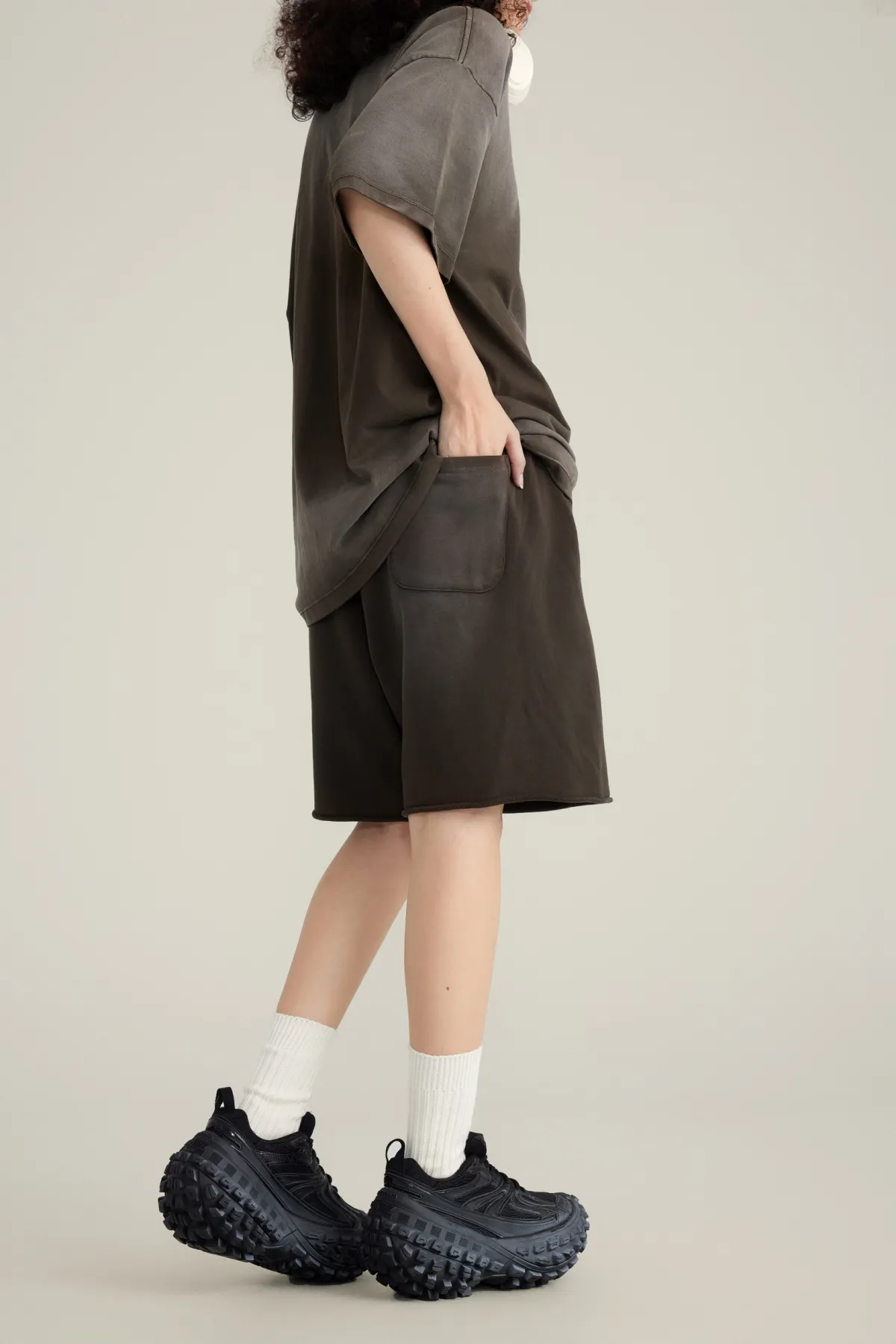
Crafted from 400GSM heavyweight bull denim for a stiff, rugged handfeel that holds a clean straight silhouette. Features spray wash distressing that recreates natural fading at the thighs, knees, and hems, delivering an authentic vintage workwear look. Mid to high rise straight fit with relaxed ease through the seat and thighs for mobility and structure. Raw cut hems create a frayed edge that enhances the industrial worn in character. Rear patch pockets with 3D construction add both utility and shape. Ideal for building American vintage, workwear, and outdoor inspired outfits. Suitable for customers who prefer a bold, heritage driven aesthetic.

Print area

Front Side / Back Side

Process support

DTF transfer

Sizes

SMLXL2XL

Colors

Fuchsia PinkMilitary GreenCoffeeKhakiBlack
17.991-1916.1920-4914.3950+
Start Designing
Estimated delivery turnaround 7–12 days

Care instructions

Hand washIron, medium temperatureDo not bleachDo not dry cleanLine dry

Size Guide

This size guide shows product measurements taken when products are laid flat. Actual product measurements may vary by up to 1" (2.5cm).

A) Chest circumference

Find the two underarm points of the clothes. Start from one underarm point with a soft ruler and reach the other underarm point from left to right. The soft ruler should be kept horizontal and close to the clothes to avoid distortion or inclination.

B) Shoulder width

Start from the top of one sleeve with a soft ruler, pull it horizontally across the back of the clothes and reach the top of the other sleeve. The soft ruler should be kept horizontal and close to the clothes to avoid distortion or inclination.

C) Clothing length

Start from the edge of the neckline, go down along the front center line of the clothes, and pull with a soft ruler to the edge of the clothes hem. The soft ruler should be close to the clothes.

D) Sleeve length

Find the top of the seam where the sleeve and the garment body are joined as the starting position. Starting from this starting position, along the outer center line of the sleeve, pull with a soft ruler to the cuff edge.

Imperial (in)SMLXL2XL
Length18.1118.719.2919.8820.47
Hip Width22.8323.6224.4125.225.98
Waistline25.225.9826.7727.5628.35
Foot Opening11.4211.8112.212.612.99
Metric (cm)SMLXL2XL
Length4647.54950.552
Hip Width5860626466
Waistline6466687072
Foot Opening2930313233

Print guide

1. Upload files in JPG and PNG formats with at least 150 dpiFor the best printing performance, make sure you upload images with at least 150 dpi. We recommend using PNG and SVG,because PNG's background is transparent, SVG's size is small and can be scaled without changing the quality of the image.

2. Make your design with the sRGB color profileThe color might be effected when converted to CMYK color profile which is used for printing. For the best accuracy, we suggest that you convert the print file to sRGB color profile in your design software.

3. Design and refer to the recommend size for each canvasWe now don't support the product templates for designing on your side. Make sure that print files have at least 150 dpi after eidting.

1. Safe print & Stitching areaSafe print area Keep all your designs are in the safe print area, in case your designs will be lost during production. Stitching areaThis area will be stitched during production. Please make sure your designs are not in this place.

2. Get all print area covered

3. Use full-bleed imagesAny space that isn't covered by designs will show the bare fabric, which may destroy the design.

4. Don't try to match designs across adjacent canvasEven though you match designs across adjacent canvas perfectly on mockup or our 3D model, it's not possible to achieve the perfect design on the finished product.

5. Logo Safety AreaIt refers to an area to keep your logo which will be printed complete on the apparels, especially some neck labels which are near the stitching area.Click 'Gridlines' button and see some little squares, keep your logo at least one square height away from the black line, then, your logo is in the safety area.